
Vulnerability Management (New)
The Vulnerability Management view allows you to monitor assets efficiently using filters, searches, and actions. Powered by our new Modern Agent, Vulnerability Management helps identify patterns, trends, and anomalies, uncovering opportunities, risks, and areas for improvement.
You require N-able Login to use the Vulnerability Management view.
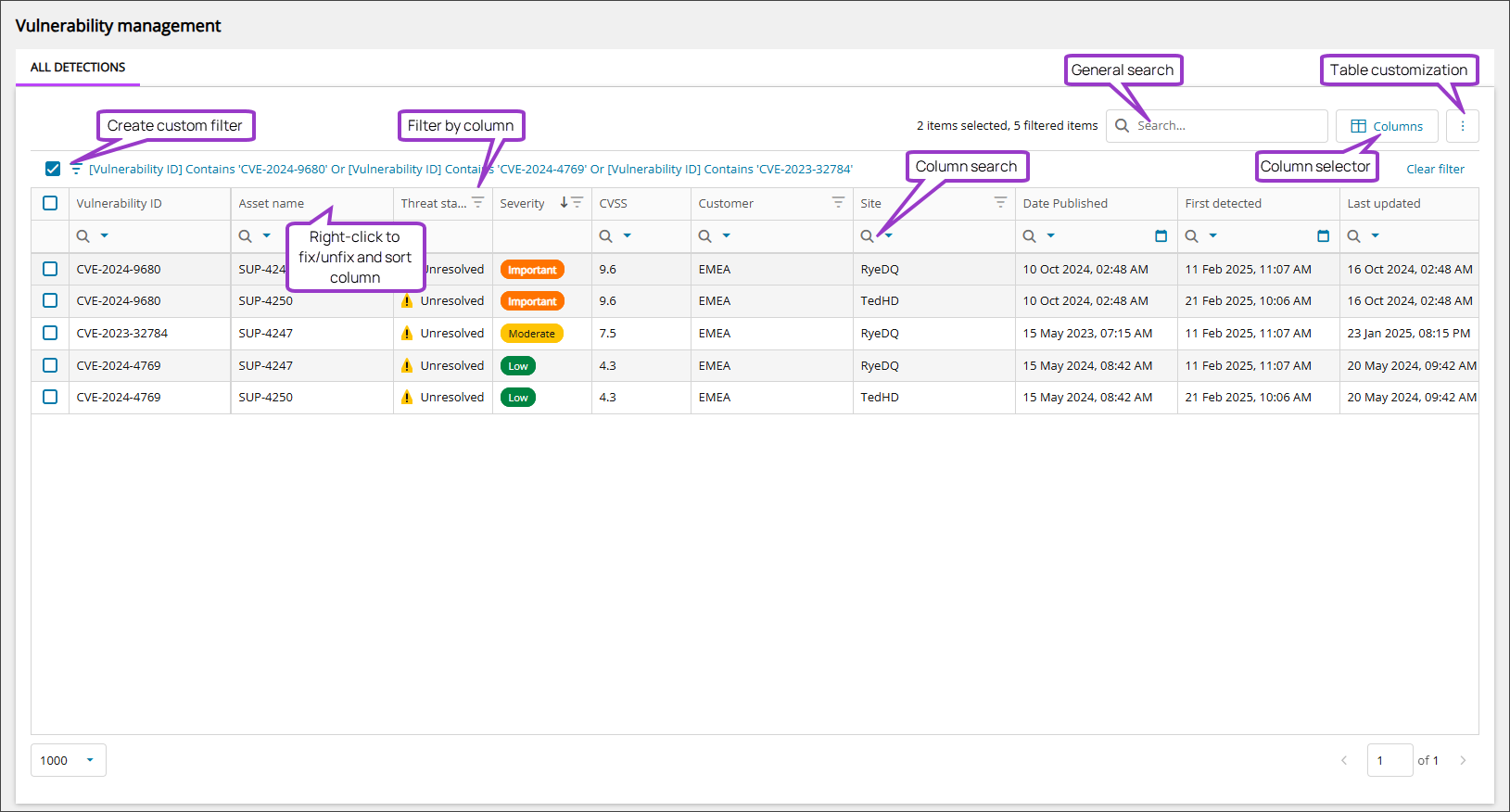
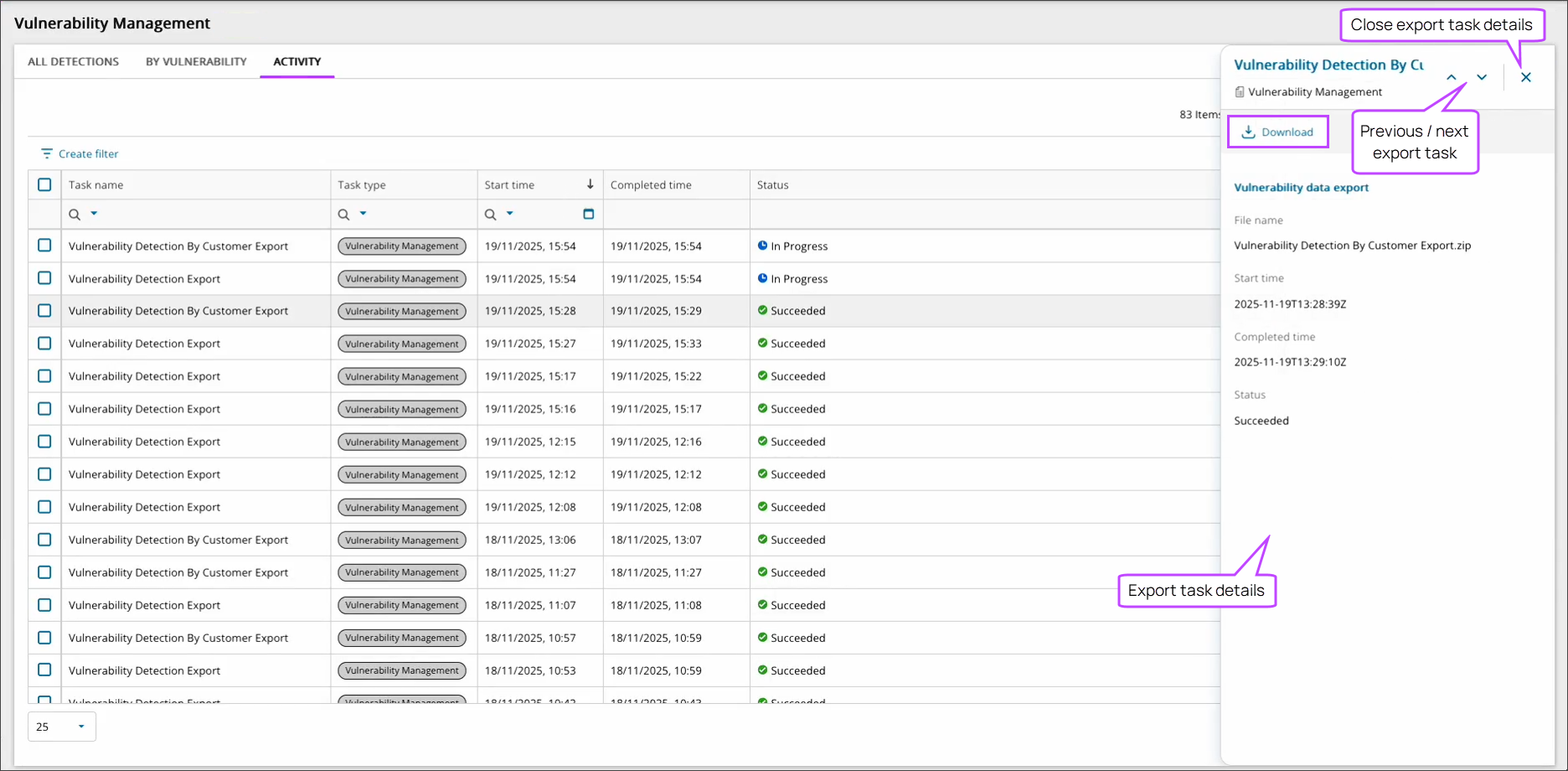
Vulnerability Management provides three distinct tabbed views. For the full list of table columns, see Data columns in Vulnerability Management view.
- All Detections displays all the vulnerability detections individually.
- By Vulnerability groups the vulnerabilities displayed, making it easier to see numbers of devices effected by each vulnerability.
- Activity details the status and progress of active and historical actions, such as manual vulnerability scans or large exports (10k+ rows).
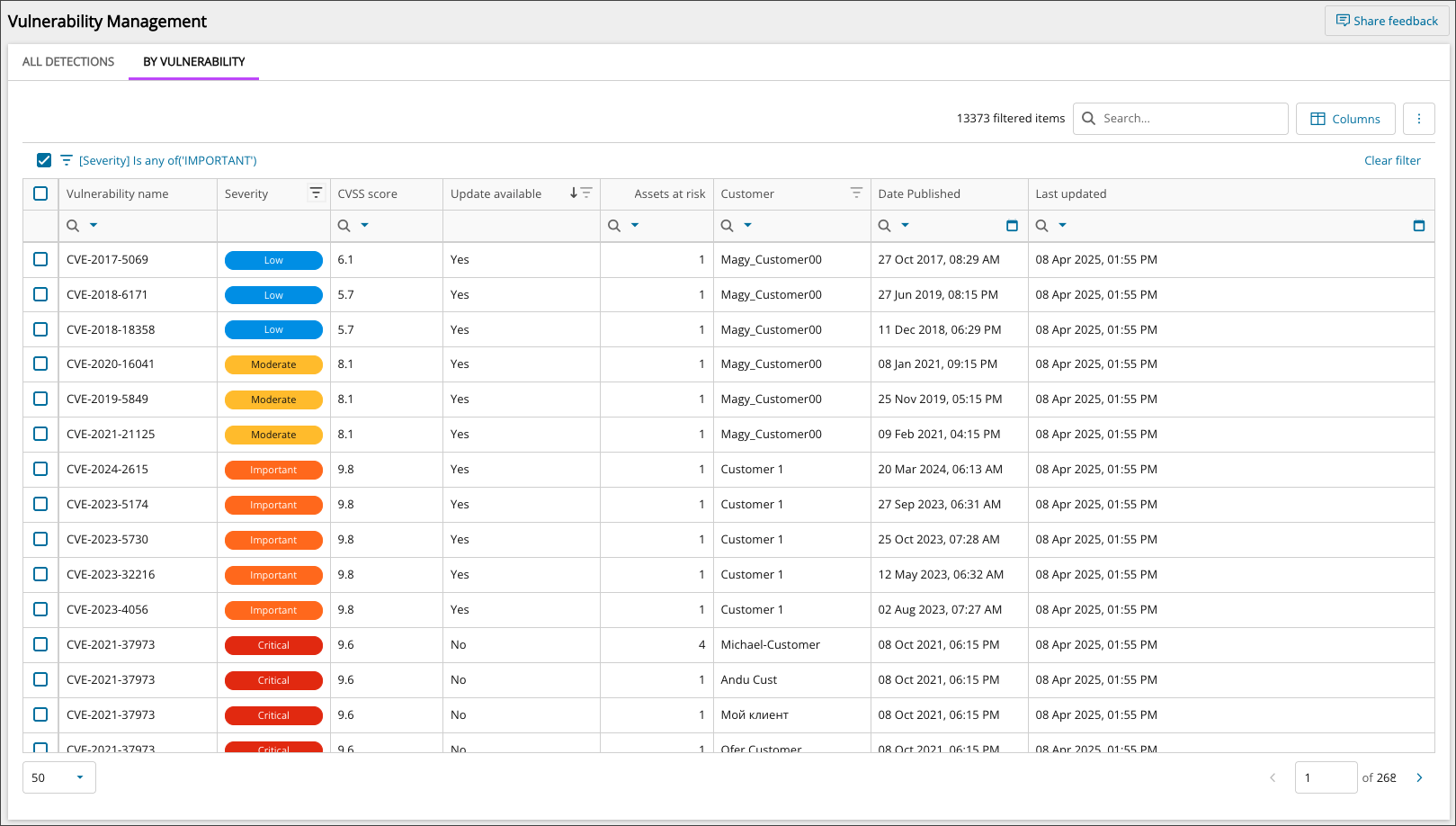
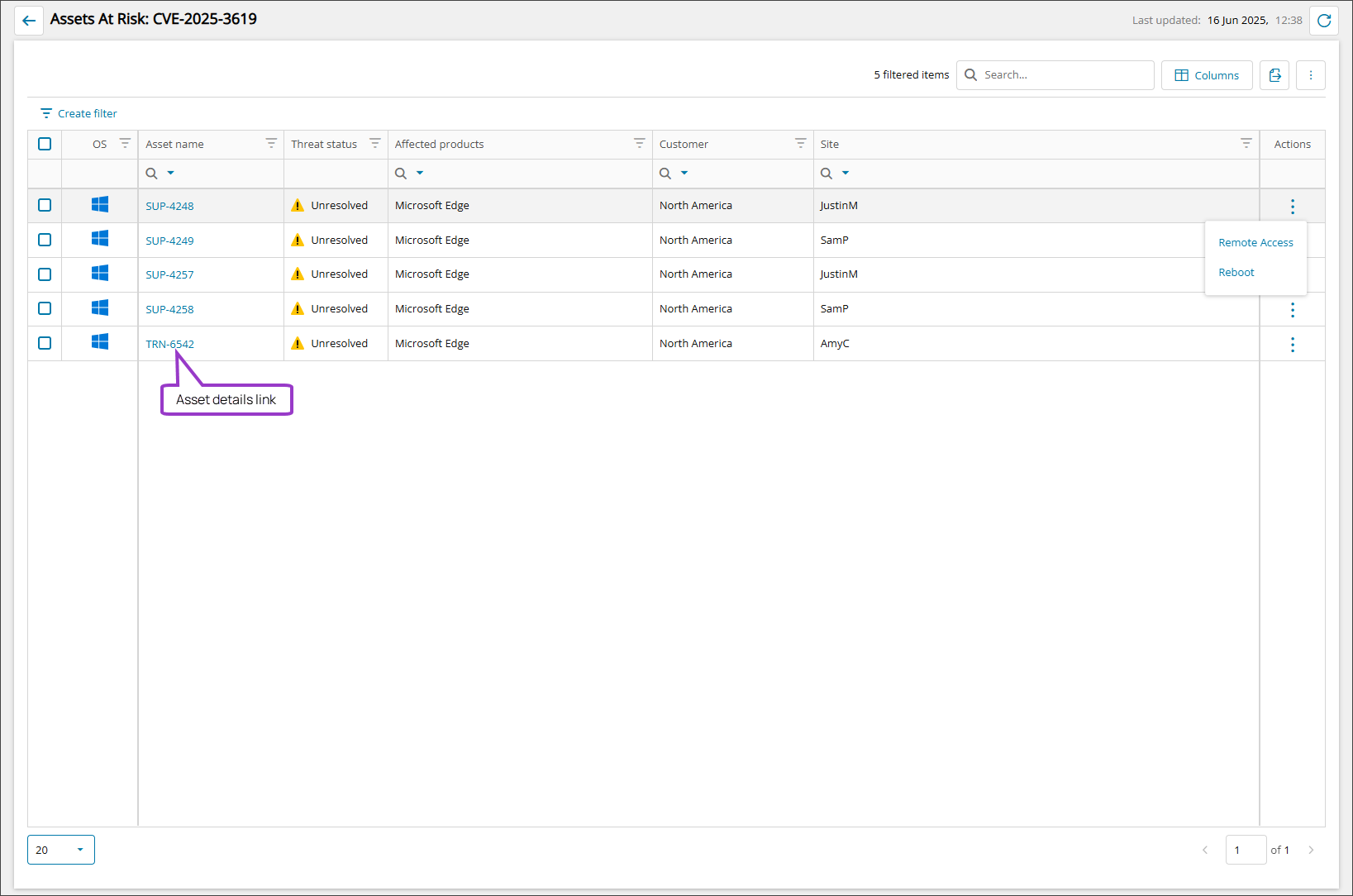
Each vulnerability also shows how many assets are at risk and also provides a list of those assets in the Assets at risk view. You can also launch directly into the Device Overview view for each asset from here as well.
Access the Vulnerability Management view
Hosted users:
-
Go to Endpoint Remediation > Vulnerabilities.
On-premises users:
- From the left panel, select the level to work at.
- Go to Endpoint Remediation > Vulnerabilities.
Actions available from the Vulnerability Management view
After you identify the vulnerability issues you are looking for, you can take action directly from the Vulnerability Management view with the following tasks:
- Run the Vulnerability scan
- View vulnerability details
- Remediate vulnerabilities
- Open asset details in the Device Overview
- View Assets at risk
- Export Vulnerability Management data to CSV
Ecoverse functions
All new Ecoverse views support filtering, sorting, searching, and exporting.
Select a link below to view full instructions and details.
- Ecoverse views
- Filter and sort Ecoverse views
- Search Ecoverse views
- Create custom filters in Ecoverse views
- Custom filters examples
- Customize your Ecoverse views
- Save Ecoverse views
- Export data from Ecoverse views
Some Ecoverse views may not include all available functions at launch. As new views are developed, features like filtering, sorting, searching, and exporting may be added over time.