
Assign colors for ticket statuses
Assign colors to ticket statuses in your MSP Manager account to make tickets easier to scan and to align status visuals with your workflow.
To assign or change a ticket status color:
- Go to Settings > Tickets & Workflows > Ticket Statuses.
- Locate the ticket status and select the Edit
 (pencil) icon.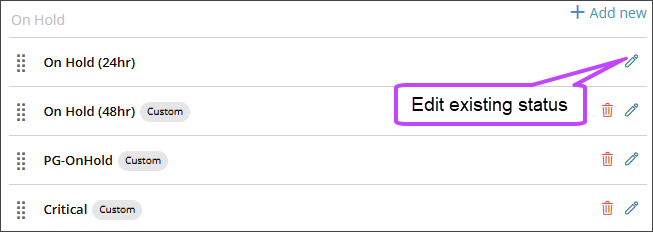
- Select a color, then select Save.
The selected color is now used for that ticket status across dashboards.
What would you like to do?