
Network Discovery Agents scan the network to detect and identify connected devices, then upload their details to N-sight.
If no preferred Network Discovery Agent is selected, or if the preferred device goes offline, another Network Discovery Agent is automatically assigned to maintain continuous network visibility.
How to set the preferred Network Discovery Agent
- In the All Devices view, select the Networks tab.
- Select the managed network you want to update.
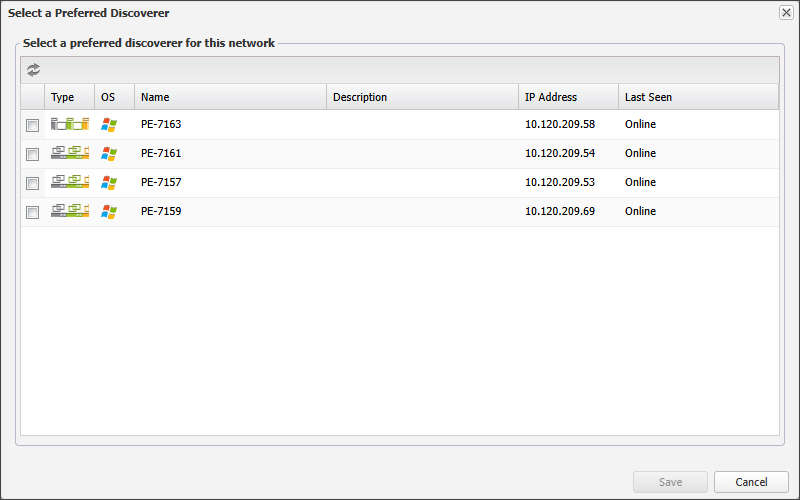
- In the South-pane Summary tab, select Change to open the Select a Preferred Discoverer dialog.
- Select the checkbox for the device to be set as the preferred discoverer.
- Choose Save to apply.
Changes to the preferred Network Discovery Agent, including device promotions, are recorded in the Activities tab.
Related articles