
Before generating the installation ID in Coves Management Console, ensure you have:
- Reviewed the Requirements.
- Taken the Preparation steps.
- Uploaded the automation policy in N-sight
Instructions
- Sign in to the Cove Management Console under a SuperUser account.
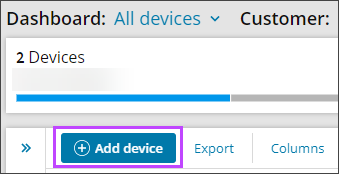
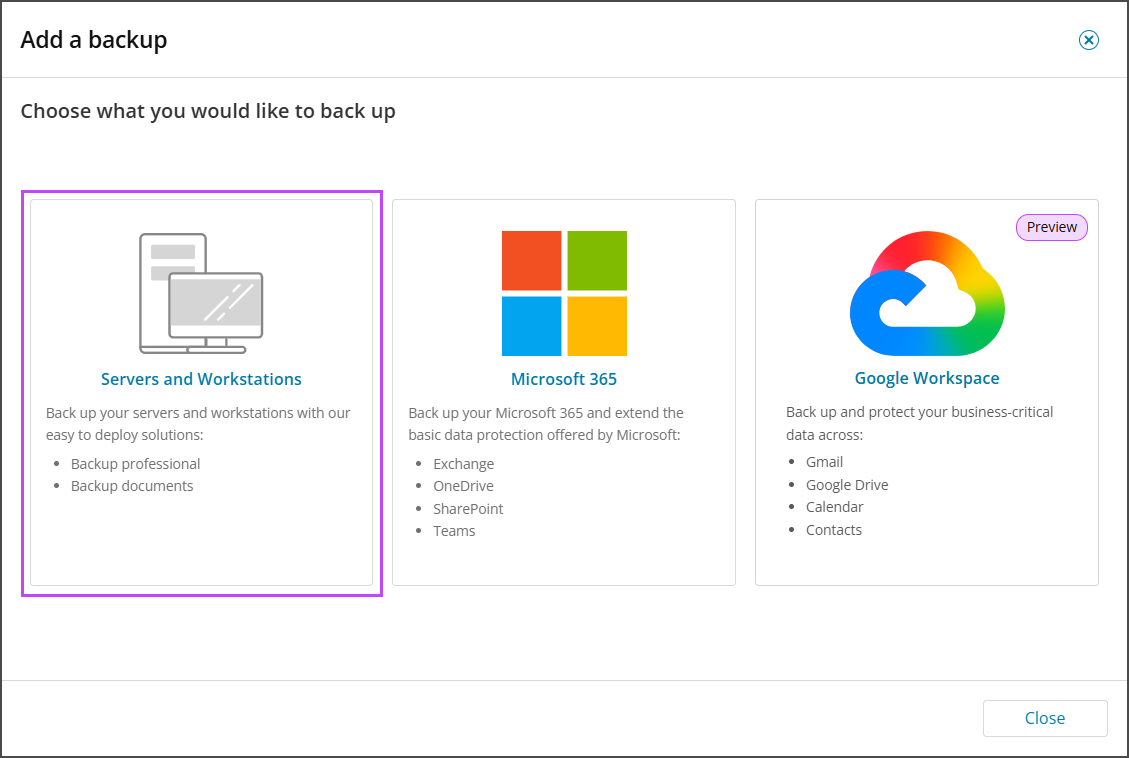
- Click Add, then select Servers and Workstations.
- Select the Customer to install the device for, from the drop down.
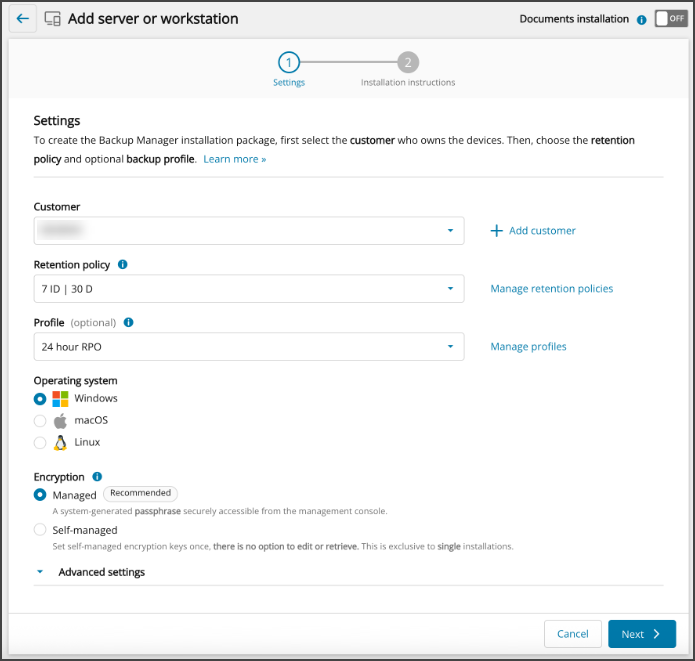
- Select a Retention Policy to apply to the device.
See Retention Policies for full details.
- Select a Profile to apply to the device.
This recommended but optional. See Profiles for full details.
- Select the Windows Operating System.
- Select encryption method.
Managed Encryption is recommended. See Self-Managed encryption for an alternative encryption method
- Click Next
- Confirm the settings, then take a copy of the Cove Installation IDThis is the section of the Installation Package Name consisting of numbers and letters, e.g. If the Installation Package Name is
cove#v1#7210edc5-0b8b-730e-597f-b10d948bfbd0#.exe, the Cove Installation ID is7210edc5-0b8b-730e-597f-b10d948bfbd0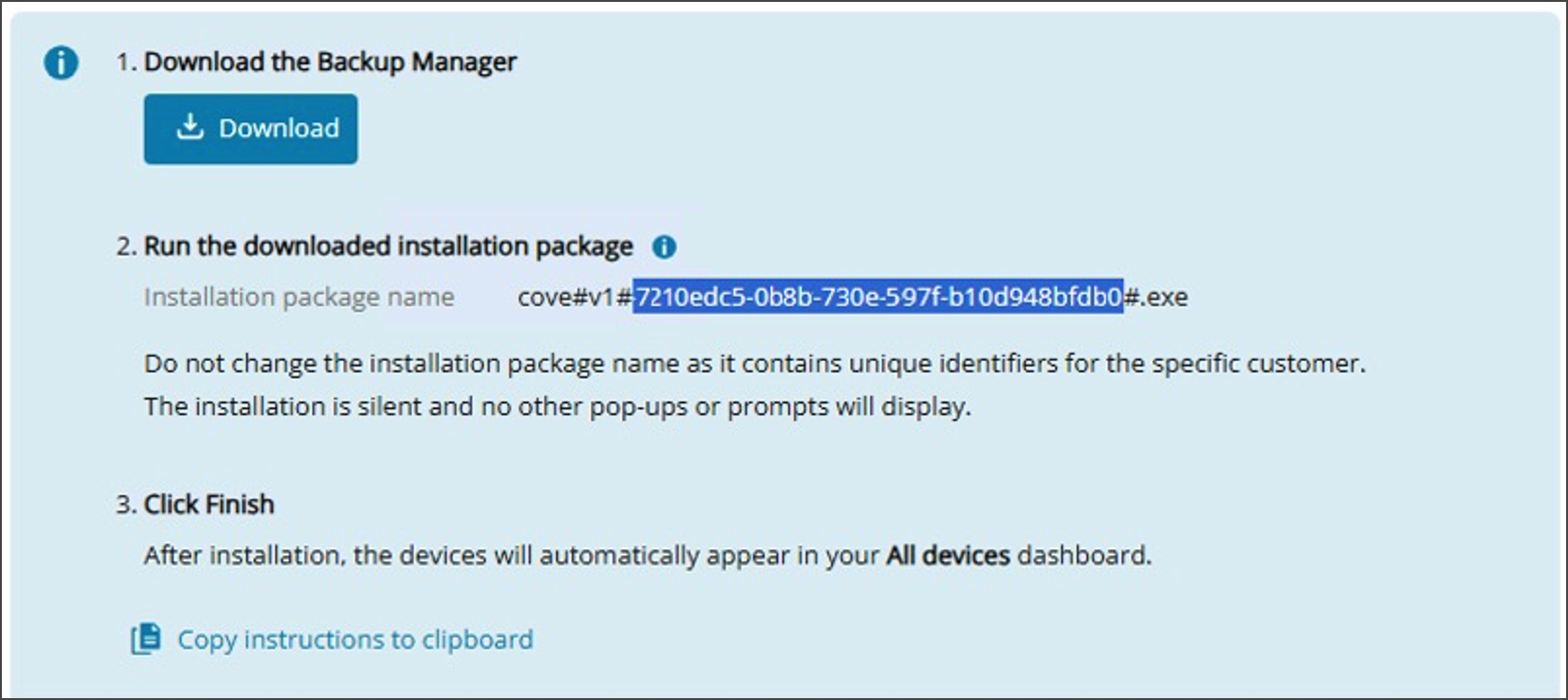
- Click Finish.
Next, add the task to the Client, Site or Device in N-sight.