Before running the automation policy, ensure you have:
- Reviewed the Requirements.
- Taken the Preparation steps.
- Created the custom property in N-central
- Generated Installation ID in Cove's Management Console.
- Added the unique property value in N-central
- Uploaded the automation policy to N-central
Instructions
- Login to N-central
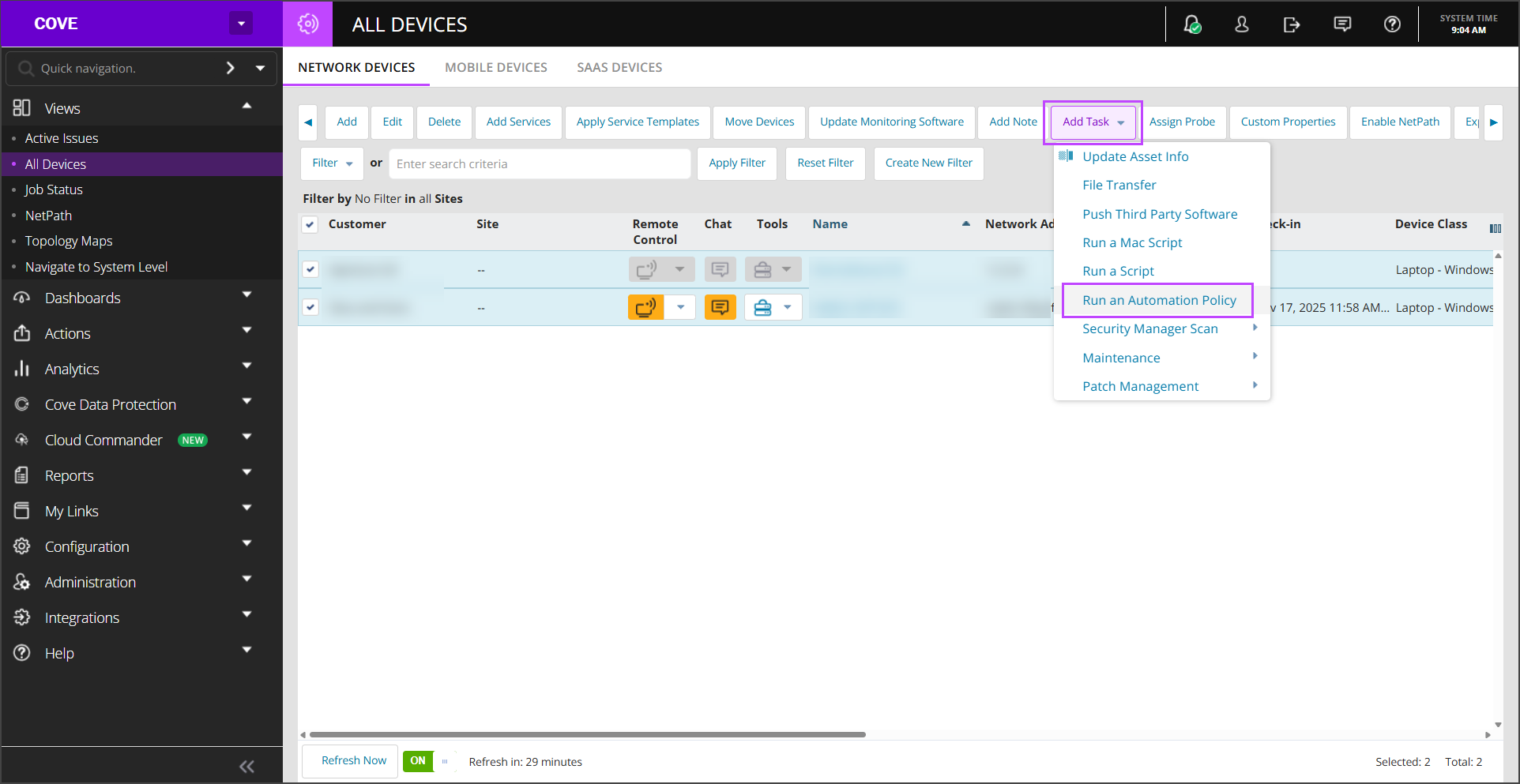
- Navigate to Views > All Devices.
- Select the devices on which to run the automation policy.
- Click Add task > Run an automation policy.
- In the Details tab, use:
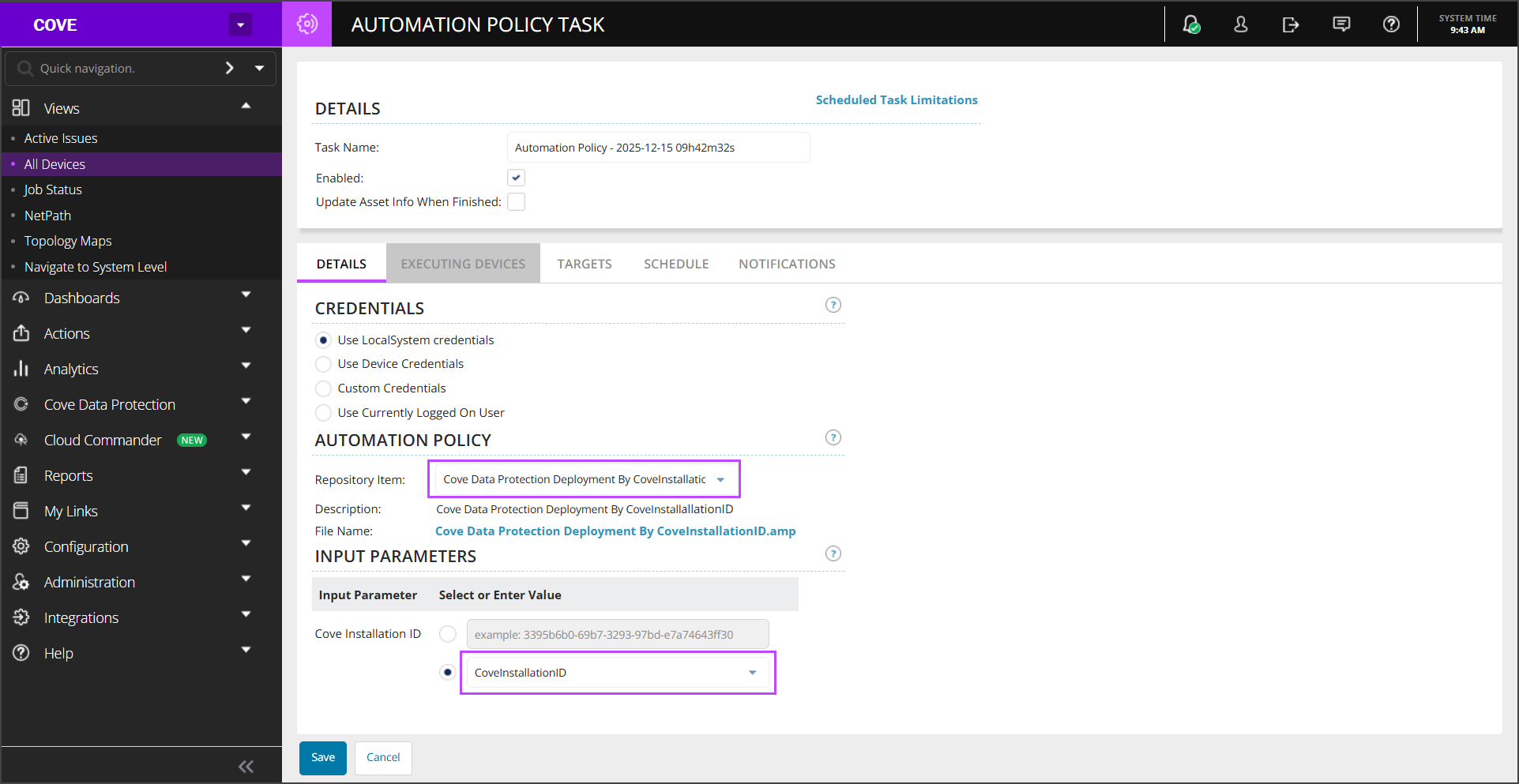
- Repository Item > select Cove Data Protection Deployment By CoveInstallationID
- Input Parameters > select Custom Property and choose CoveInstallationID
- Click Save to run the task
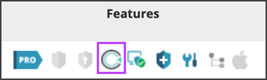
Once the installation is complete, the Cove feature will display a check-mark in the Features column
It is possible to check the status by using the filter in Views > Job Status to display Automation Policies with any status.
The Cove Data Protection Backup Manager installation will run silently. Once complete, the backup device(s) will appear in theCove Management Console device Dashboard
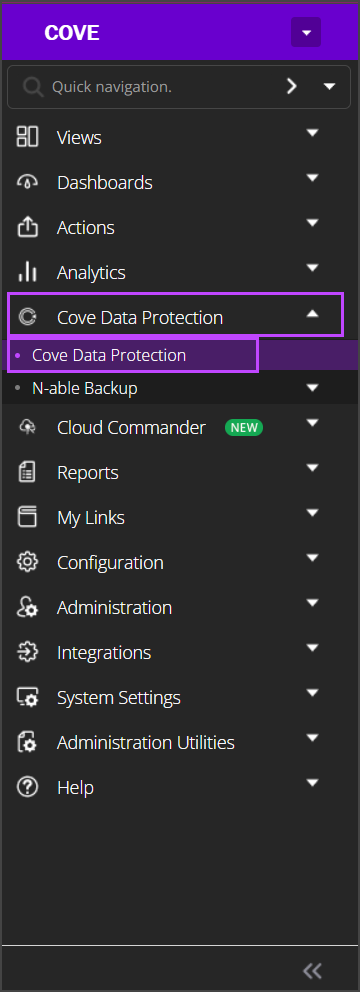
The Cove Dashboard can also be accessed by navigating to Cove Data Protection > Cove Data Protection in the menu.