
Before adding the unique property value per Customer, ensure you have:
- Reviewed the Requirements.
- Taken the Preparation steps.
- Created the custom property in N-central
- Generated Installation ID in Cove's Management Console.
Instructions
- Login to N-central
- Ensure you have selected your partner Service Organization level.
- Navigate to Administration > Customers
- Select a Customer from the list and open the Custom Properties tab
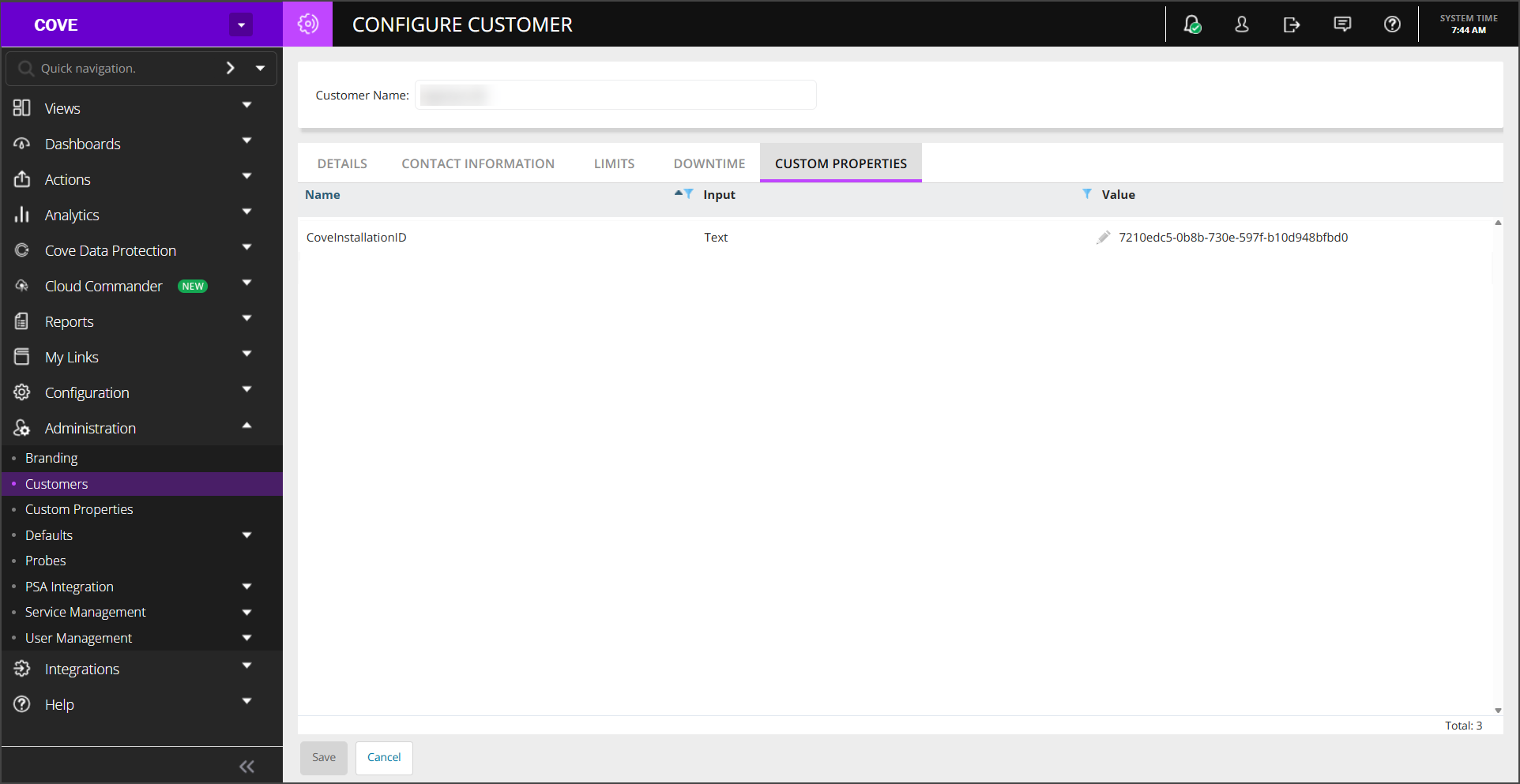
- Enter the Cove Installation ID taken from Step #9 of Generate Installation ID into the Value field
- Save the changes
Next, upload the Automation Policy in N-central.