
If a network no longer needs to be monitored, you can remove it from management in N-sight RMM.
Unmanaging a network does not disable the Network Discovery Agent on the network. To disable Network Discovery, see Manage Network Discovery.
How to unmanage a network
- Navigate to the All Devices view.
- Choose the Networks tab in the North-pane.
- Select the network to unmanage.
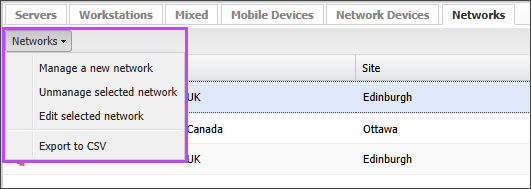
- Right-click the network row, or open the Networks drop-down menu and choose Unmanage selected network.
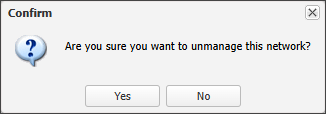
- Choose Yes in the confirmation prompt.
Related articles