
View script results
After a script has been run on a device, you can see the script results and outputs in the Assets view.
- Select Dashboards > Assets in the Left navigation.
- (Optional) Apply a custom filter.
- Select the asset row, not a link in the row.
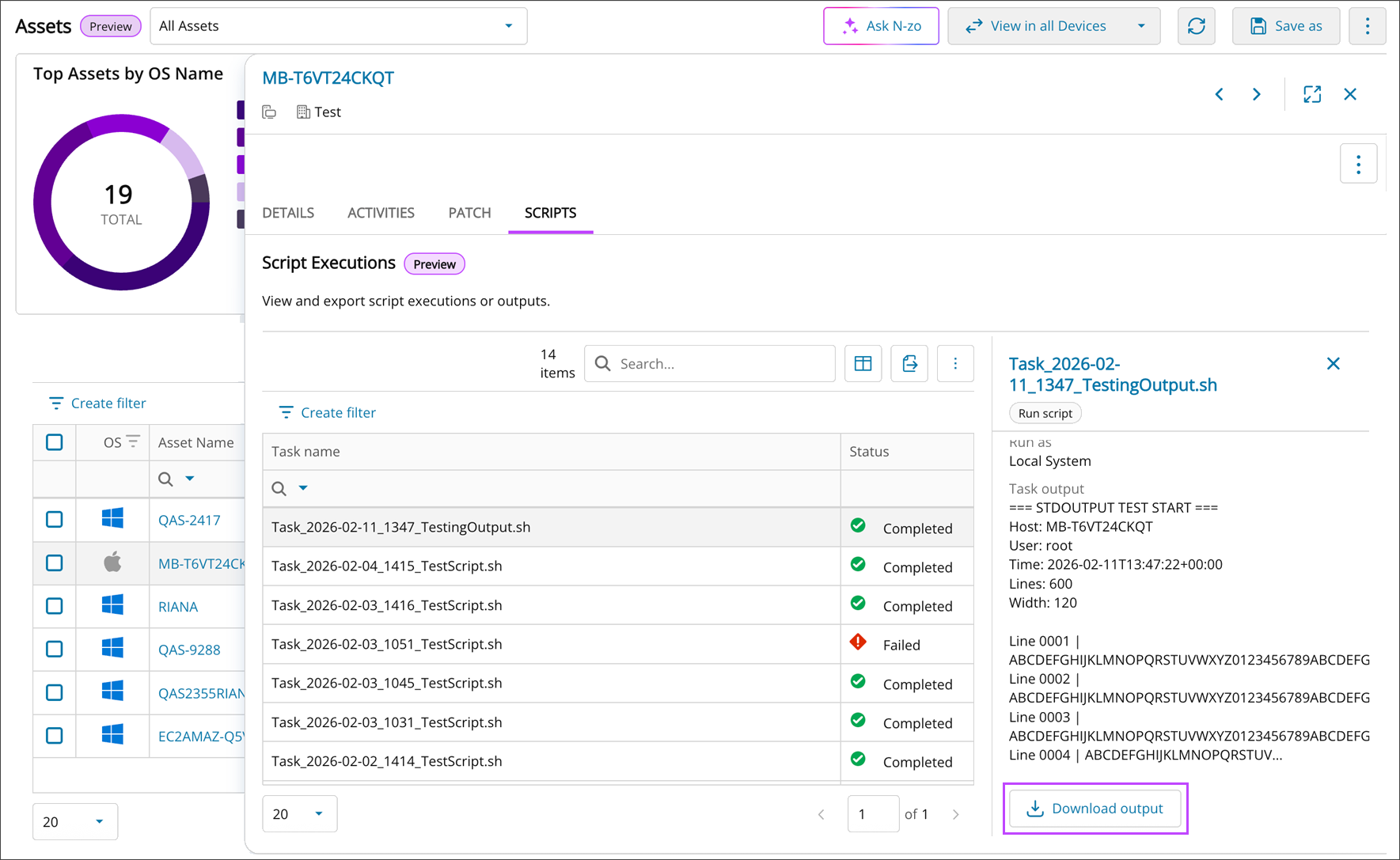
- In the , select the Scripts tab then choose a script result entry.
- The script Execution summary panel opens from the right.
- (Optional) Choose Download output to create a local copy of the results.
Script task outputs can also be downloaded from the Scripting Executions tab. See Download a script task output.
Related articles