Before running the task, ensure you have:
- Reviewed the Requirements.
- Taken the Preparation steps.
- Uploaded the automation policy in N-sight
- Generated Installation ID in the Cove Data ProtectionManagement Console.
- Added the task to the Client, Site or Device in N-sight
Instructions
To run the task for multiple devices simultaneously:
- Right click on the client, site, or device you want to execute this task
- Select Task > Run
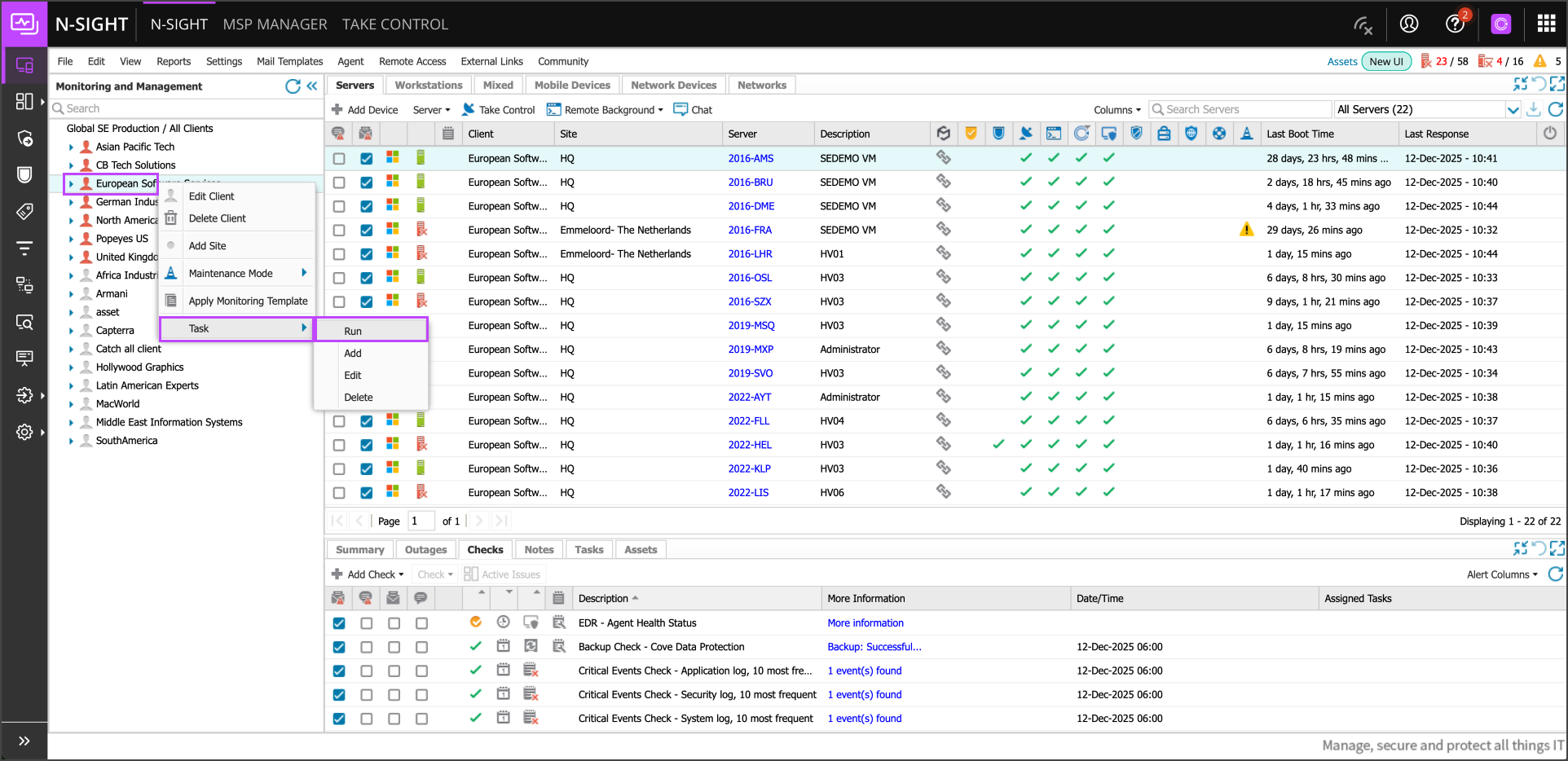
- Select the task added in Add the Task to Client, Site, or Device (Cove Data Protection Deployment By Installation ID) and click Next
- Confirm the devices on which you want run the task and click Run Task
- Once a green check mark appears in the Cove Data Protection column, this signifies that the software is correctly installed.
If the Cove Data Protection column is not visible, add this by navigating to Columns and selecting Cove Data Protection
Use the Cove Management Console for further configuration changes, such as fine tuning Profiles. Also use this for daily management as it gives you a highly detailed view of all of your backups and (automated) restores.
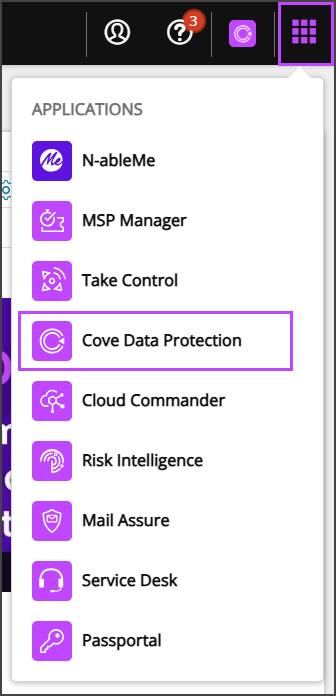
The Cove Dashboard can also be accessed by navigating to the Applications menu in the upper right-hand corner and selecting Cove Data Protection in the list.