
Submit session feedback with logs to N-able support
Windows Take Control Viewer only.
You can submit session feedback in the Take Control Viewer for any issues during a remote session. The feedback, along with log files from both devices, is automatically sent to N-able support.
This process does not replace creating a support case. You'll receive a reference when submitting session feedback to include in your support case.
Submitting session feedback
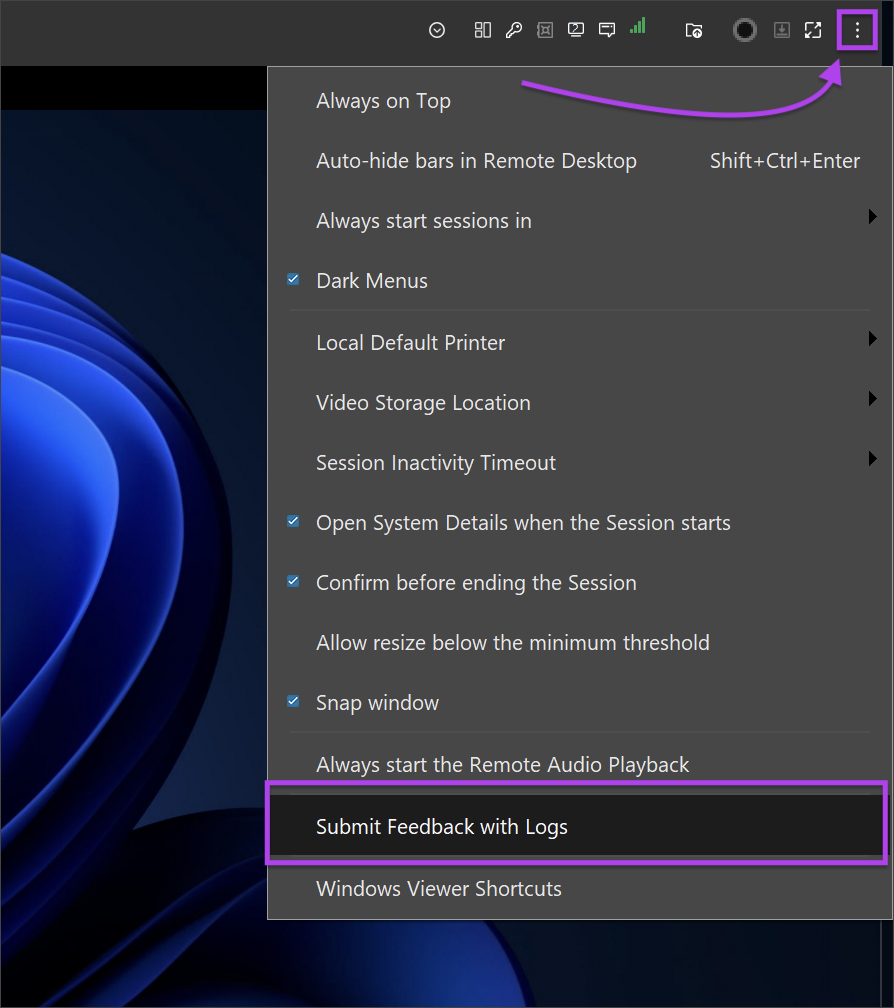
- In the remote session, open the Preferences menu and select Submit Feedback with Logs.
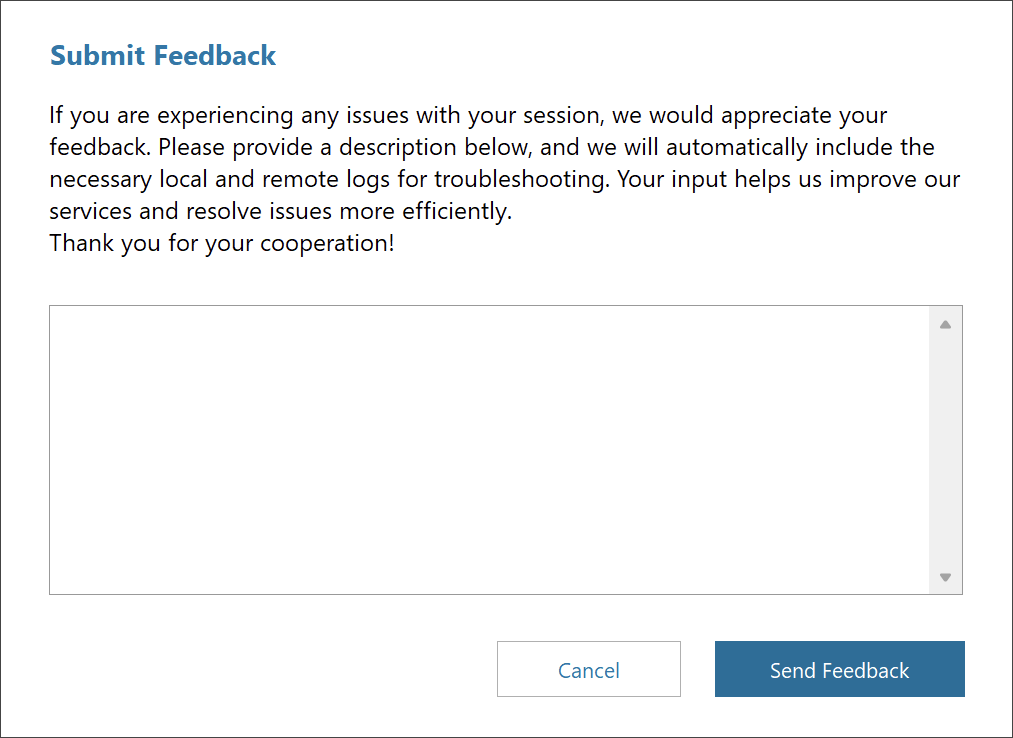
- Enter the issue details into the Submit Feedback dialog, then select Send Feedback.
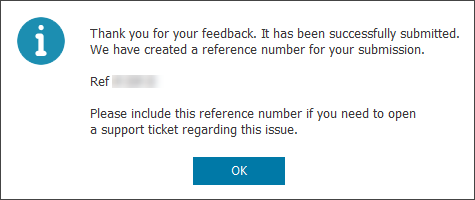
- You'll receive your feedback reference. Save this reference for future use, then select OK.
-
Open a support case, and include your feedback reference in the case details.