
Assign users to the N-able User Provisioning application
Before you can assign users to the N-able User Provisioning application, you must configure the application. See Configure the N-able User Provisioning application
- Agent Key and Reseller user accounts are not supported for Entra ID provisioning. Do not attempt to create or manage these users through Entra ID.
- When you assign a user who already exists in N-sight, the system switches their authentication to Entra ID.
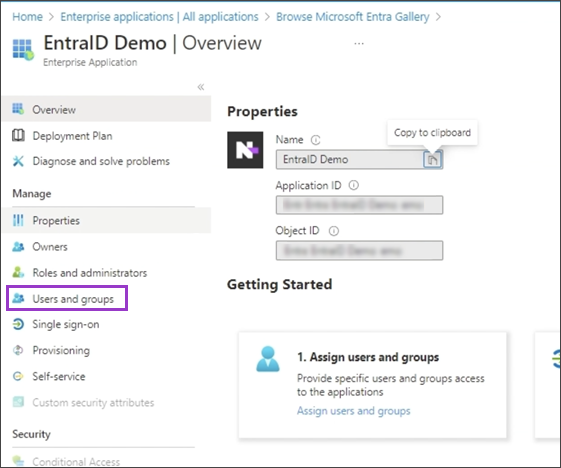
- In your N-able User Provisioning application, under Manage, select Users and Groups.
- Choose Add user/group.
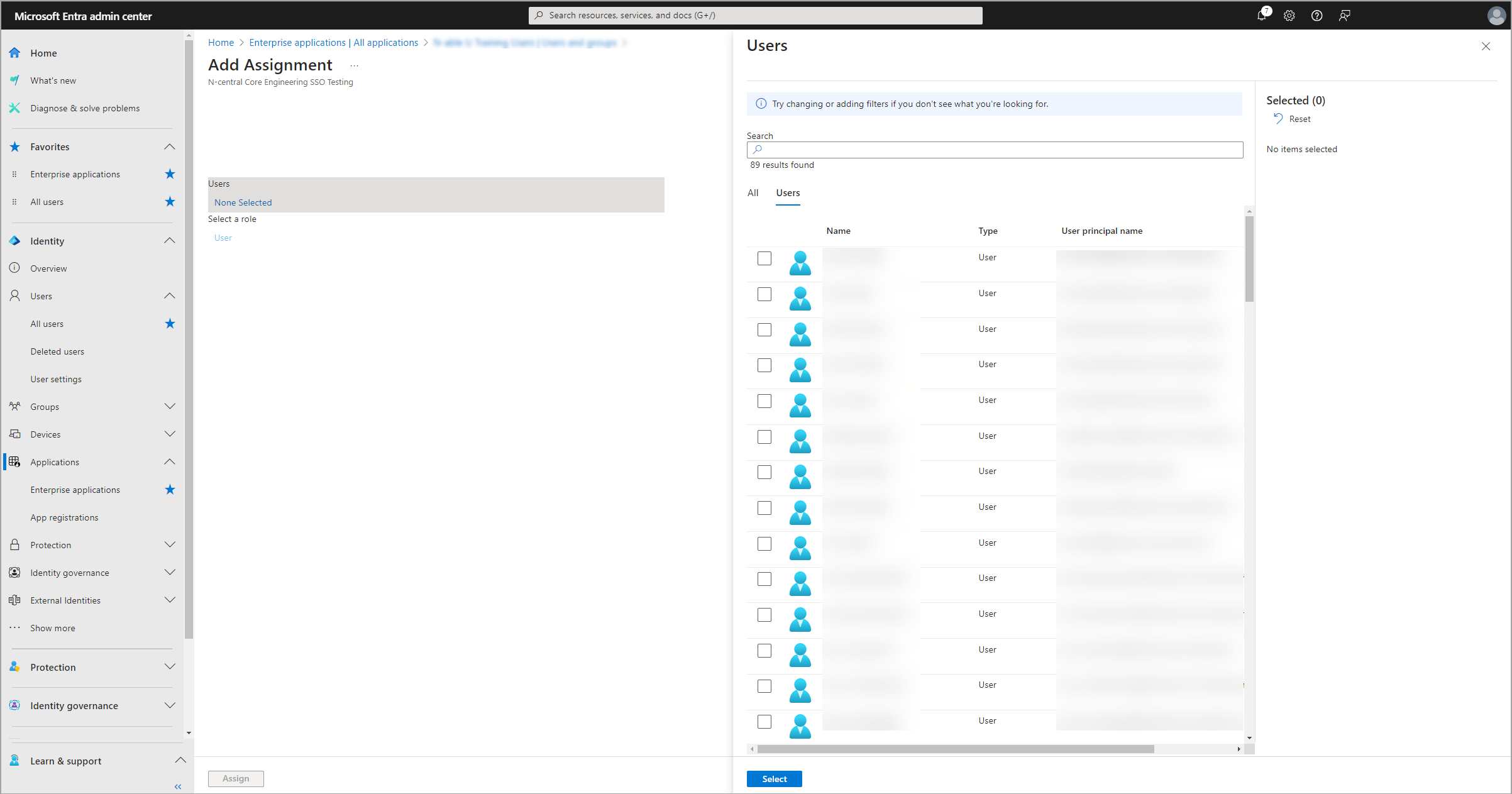
- Select the checkboxes for the users you want to assign, then choose Select.
If you are configuring this application for testing, add only test users or assign a limited number of users.
Verify that none of the selected user email addresses are linked to API key functions or processes across N-able products. If an email address is linked with an API key, the user's access to N-able products is affected.
- Review the selected users and select Assign. The list of assigned users displays.
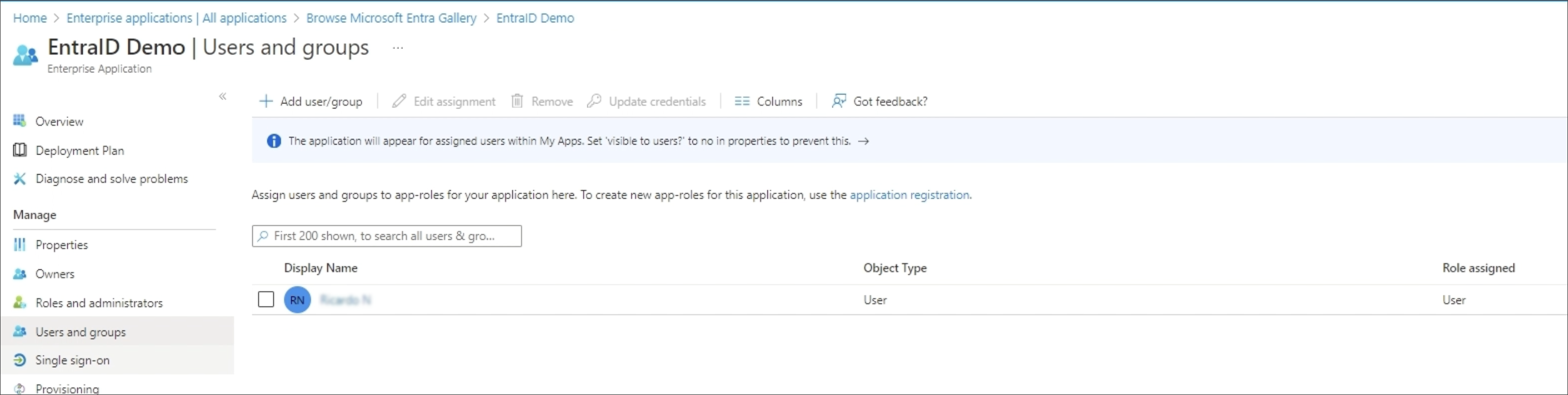
From the Users and Groups list in Entra ID, you can remove users from N-able products or edit their assignments and credentials.