
Before importing the Cove Data Protection deployment script to the component library in Datto RMM, ensure you have:
- Reviewed the Requirements.
- Taken the Preparation steps.
- Generated Installation ID in Cove's Management Console.
- Added a custom variable for each Site/Customer in Datto RMM
Instructions
- Download the following Cove Data Protection deployment script:
- Login to Datto RMM
- Navigate to Automation > Components
- Click Import
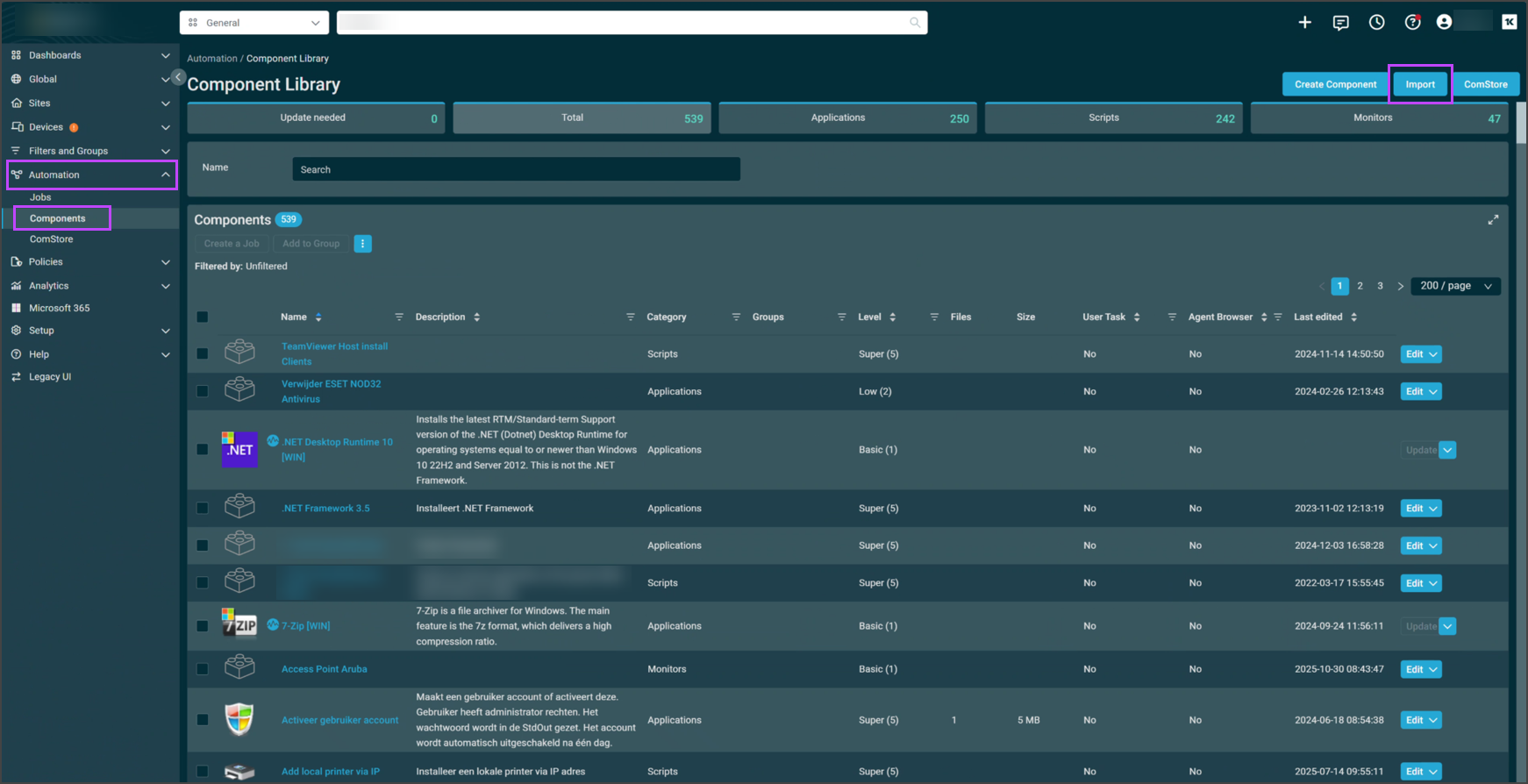
- Select the Cove Data Protection deployment.cpt and click Save Component
- The Cove Data Protection deployment script is now added and will be available to search for and select in the Component Library
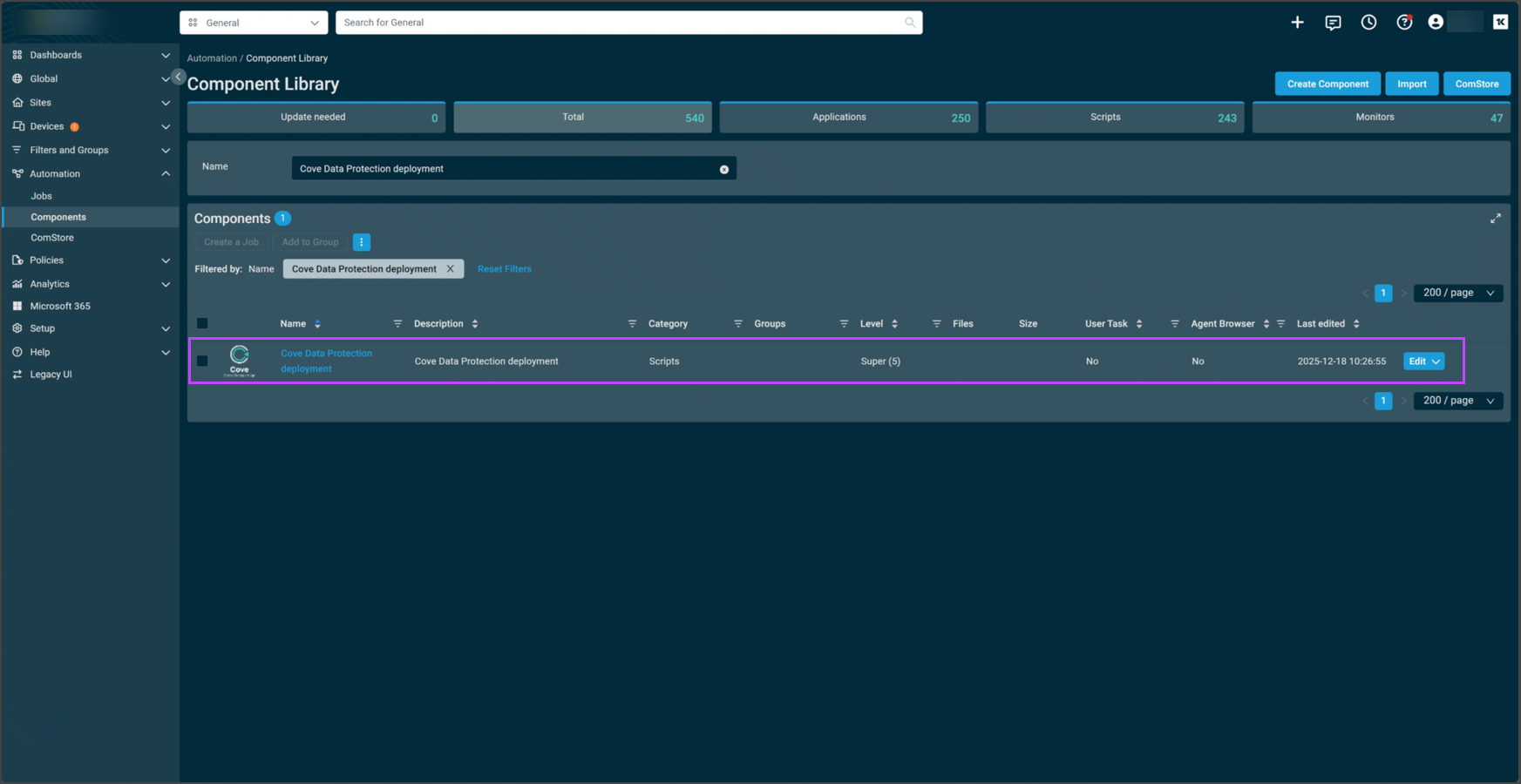
Now, run the deployment script in Datto RMM.