
View tag details and settings
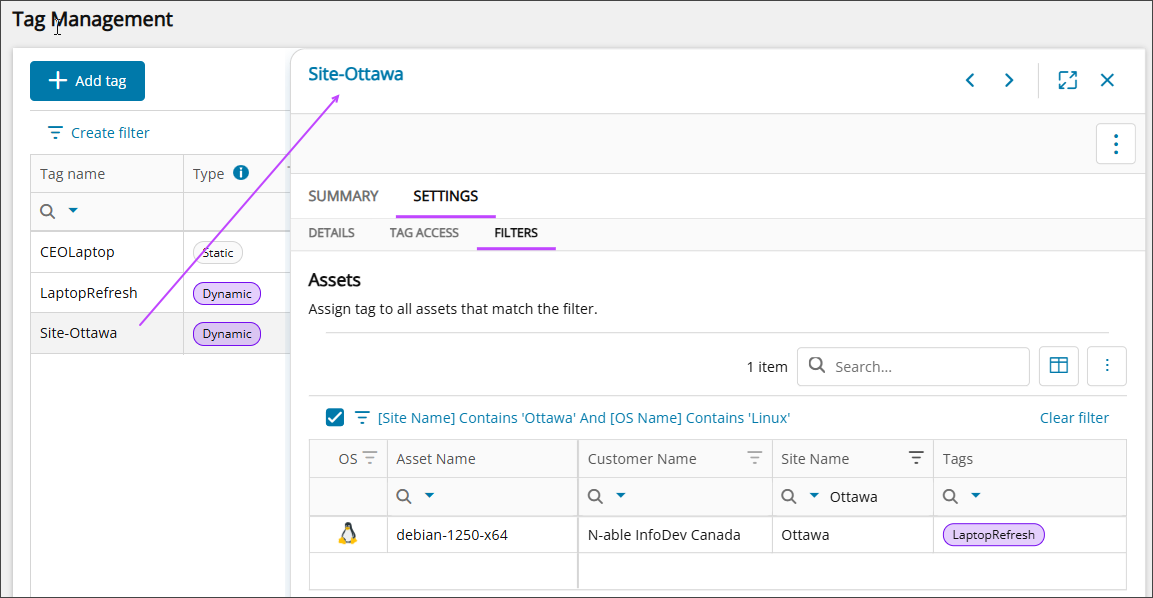
Use the tag details overlay to review tag summaries, settings, and where they apply across your environment. The overlay provides quick access to key information, including tag properties, assigned assets, and access settings.
Reviewing these details helps you confirm that the tag is configured correctly, understand where it can be used, and verify which assets are affected by dynamic tagging.
Prerequisites
To view tag definitions, your role must have the following permissions:
- Custom Properties permissions in the Administration section.
- All Devices permission in the Devices > All Devices section.
Open the tag details
- Go to Ecoverse > Configuration> Tag Management.
- Select the row for the tag you want to view.
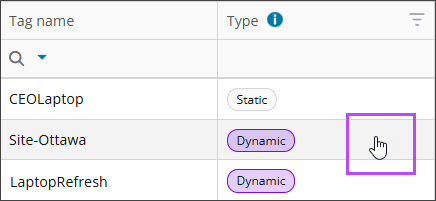
The tag details overlay opens on the right side of the screen.
Related topics