
N-able application overview
The N-able application, n-able.app, provides access to N-able Ecoverse capabilities across supported N-able environments. Use it to view devices and perform supported security and management tasks.
Access the portal at https://n-able.app/.
Requirements
To use n-able.app, you need:
- An active N-able Login associated with the appropriate customer or organization.
- An N-able product environment connected to Ecoverse.
- Permissions for the organizations, devices, and features you want to access.
For N-central, your N-able Login must be associated with the applicable N-central user account.
Available capabilities
Available capabilities depend on licensing, product configuration, and permissions. Supported capabilities can include:
- Assets: View and search for devices across connected environments.
- Security Insights: Review endpoint security posture and risks.
- Vulnerability Management: Review vulnerabilities and affected devices.
- Patch Management: Review missing patches and manage patching.
- Script Repository: Find and manage supported automation scripts.
- Policies: Review and manage configuration policies.
- Tags: Manage tags to organize and target devices.
- Audit Log: Review user and system activity.
- N-zo: Access AI-assisted capabilities.
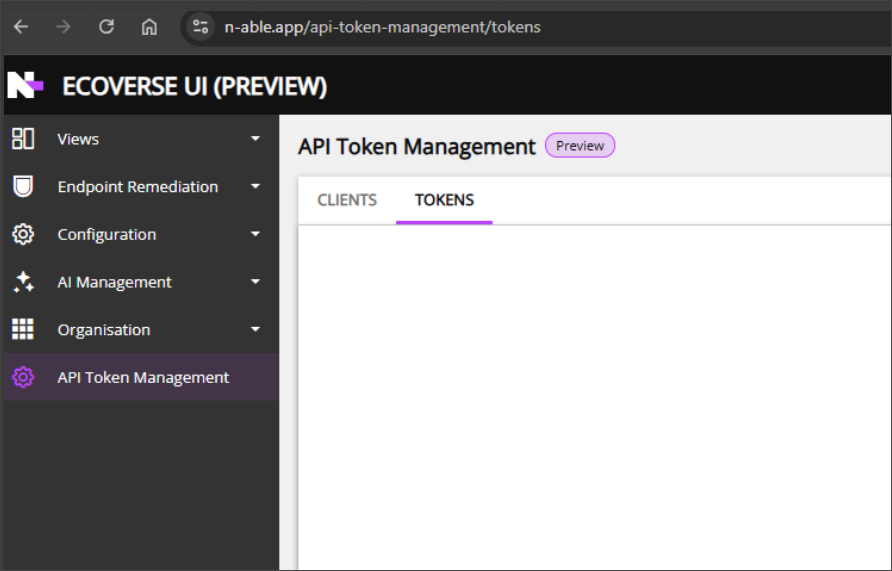
- API Token Management: Generate tokens for supported API and MCP integrations.
- Take Control: Remotely access Windows Operating System devices.
Manage API tokens at https://n-able.app/api-token-management.
Tokens inherit the permissions of the associated N-able Login. A token is displayed only when you create it, so store it securely.
Current limitation
Take Control for macOS devices is not currently available directly from n-able.app. A device can appear in Assets, but you cannot start a Take Control session from the portal. Continue to use the existing Take Control product interfaces and applications for macOS devices.
Related topics