
Install N-central Mobile
Install N-central Mobile on a supported Android or Apple mobile device.
Before you begin
Verify the following requirements:
-
Your N-central environment runs a supported version.
-
Your mobile device runs a supported operating-system version.
You'll also need an active technician account and the right permissions to sign in and use Take Control. See Sign in to N-central Mobile and Start a Take Control Session from N-central Mobile.
Installing or updating from the App Store or Google Play now always installs N-central Mobile (updated), released at the end of August 2026. If your server is on N-central 2026.3 or earlier, do not install or update the app as you won't be able to sign in until your server is upgraded.
Install the app
-
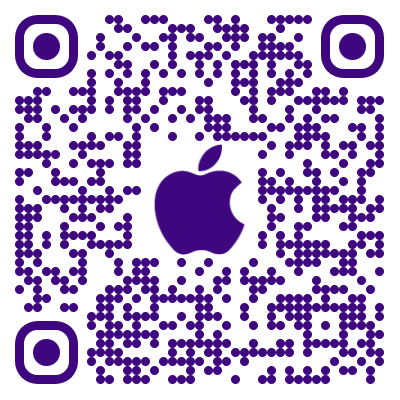
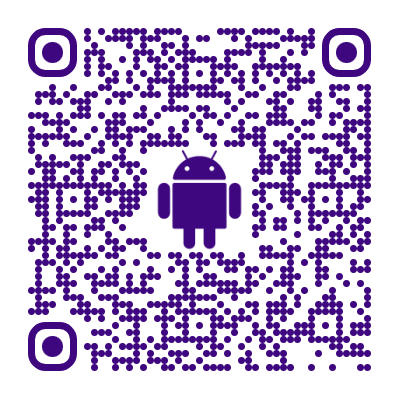
Download N-central Mobile from the applicable store:
-
Install the app.
-
Open N-central Mobile.
Ensure you only download N-central Mobile from the official Apple App Store or Google Play Store to ensure you receive the authentic, secure version.
|
|