
View tags assigned to assets
View the tags assigned to assets from the Assets view or the Assets overlay.
Steps
- Go to Ecoverse > Views > Assets.
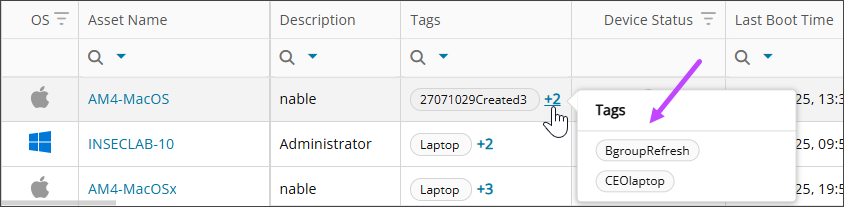
- Find the asset, then hover over the tag count to view all its assigned tags.
You can also view the tags assigned to an asset in the .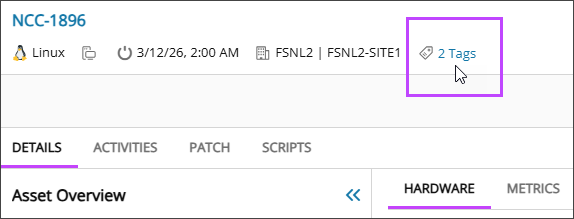
Related topics