Create the N-able User Provisioning application
The N-able User Provisioning application in Microsoft Entra ID connects with N-able systems to enable automated identity synchronization. It simplifies access management by linking user identities across platforms. This helps maintain consistency and reduces manual configuration.
This application is currently in preview and is available only through a dedicated URL. Use one of the following links to open Microsoft Entra ID with the required feature enabled:
- Sign in to the Microsoft Entra admin center using one of the links above.
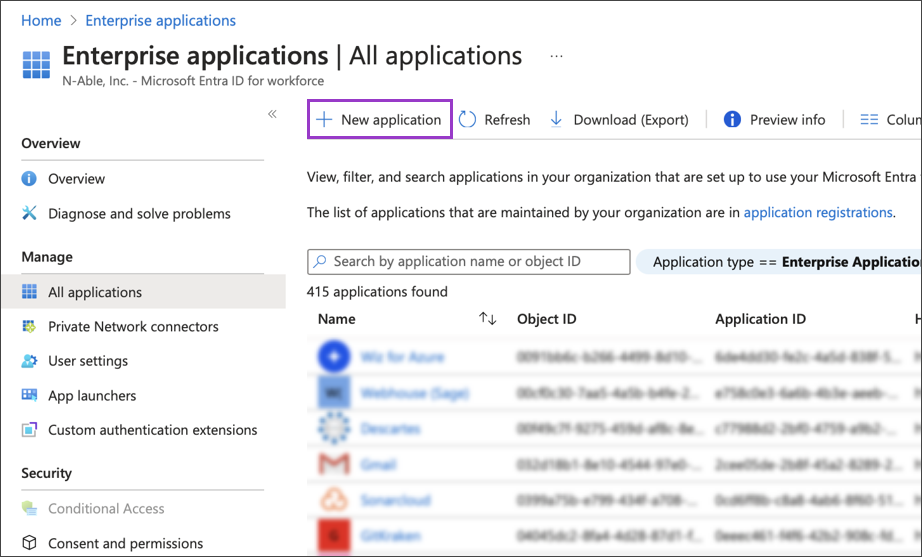
- Browse to Identity > Applications > Enterprise applications.
- Select New Application.
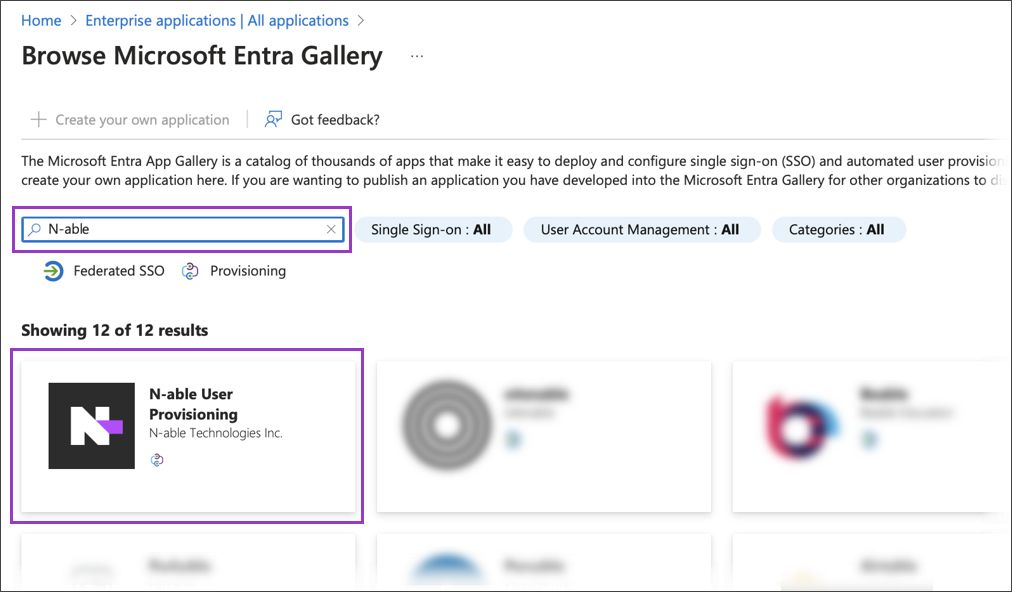
- Search for N-able, then select N-able User Provisioning from the results.
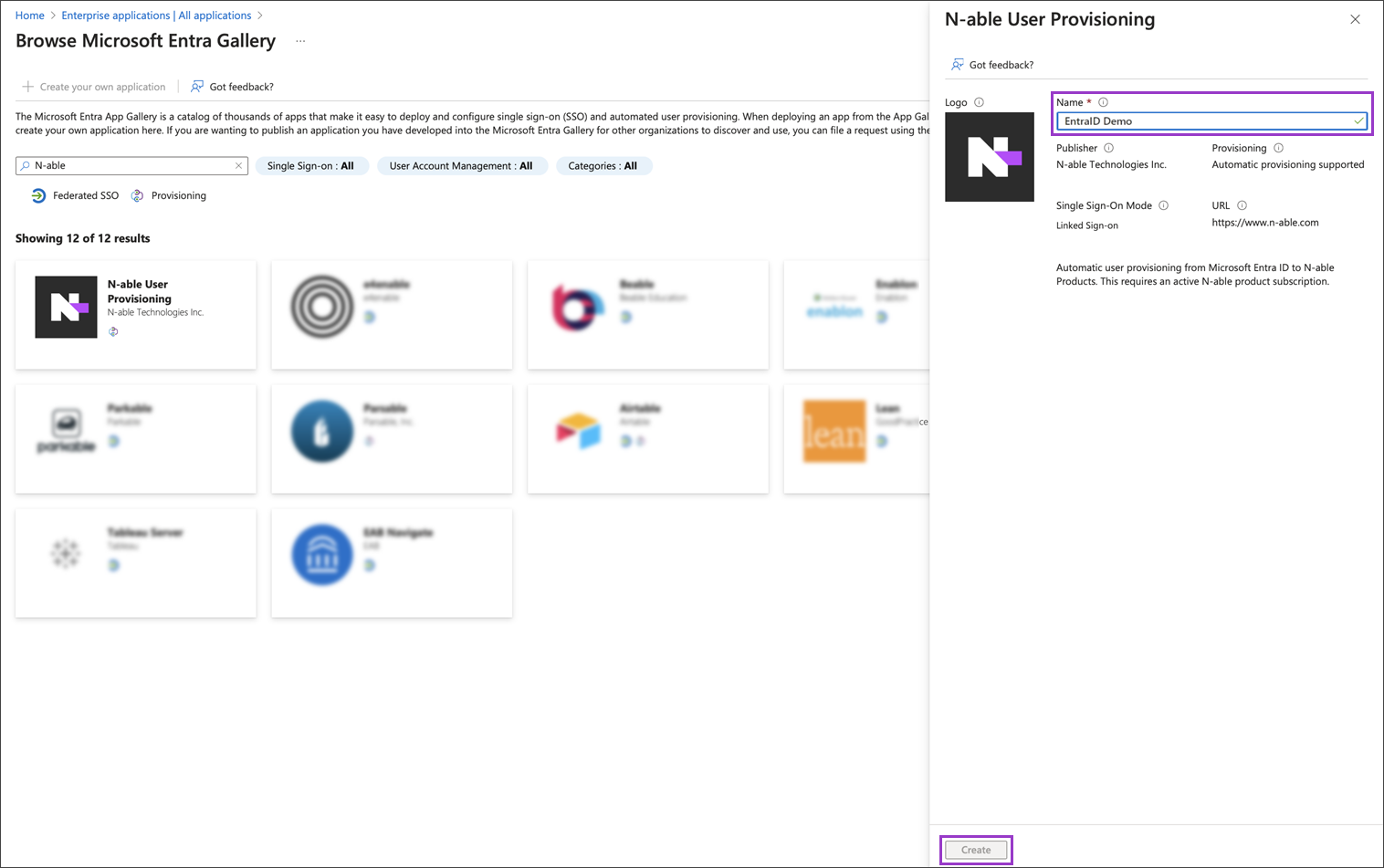
- Enter a descriptive name for this instance of the application.
- Select Create. The system opens the application you registered.
- Review the application properties.