
Manage statistics for backup devices with the help of views. You can change between predefined views and add new views and create email reports based on a certain view.
View management settings are user-specific. You cannot access views created by other users. The set of predefined views is identical for all.
Changing the view
To change the current view to one previously saved, this can be done one of two ways:
- Hover the cursor over Backup in the vertical menu and click on the view you want to apply
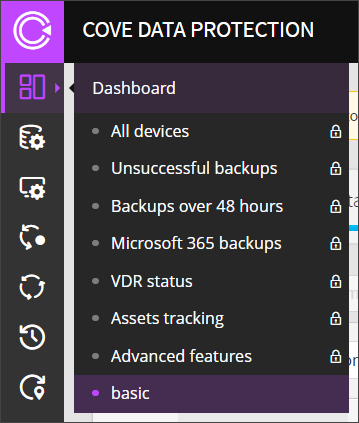
- Click into the Dashboard dropdown at the top of the page, search for and select the view you want to apply
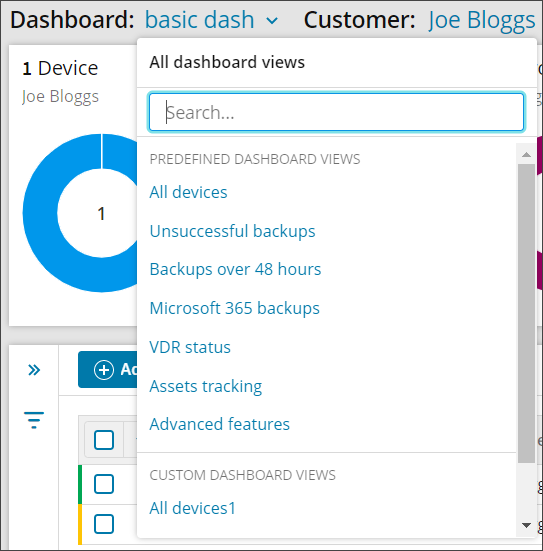
Or
Deleting custom views
To delete a custom view, first apply this view to your dashboard. Then open the view management menu from the top right-hand corner of the page by clicking the three vertical dots, and select Delete view.
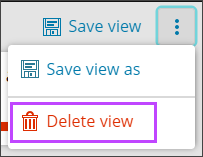
The predefined views cannot be deleted (you will find the view management menu does not show the Delete option for these views).
 Related Topics