
Reports that have been generated, whether manually or automatically using a schedule, must then be downloaded manually.
Executive Summary Reports can be downloaded by:
- Administrator level users
- SuperUser level users
Reports are not automatically downloaded
- Log in to the Management Console under a SuperUser or Administrator account
- Navigate to Reporting > Executive reports (Preview) in the vertical menu
- Use the filter, search or scroll to find the report to download
- Click the report name in the Report file column to begin the download
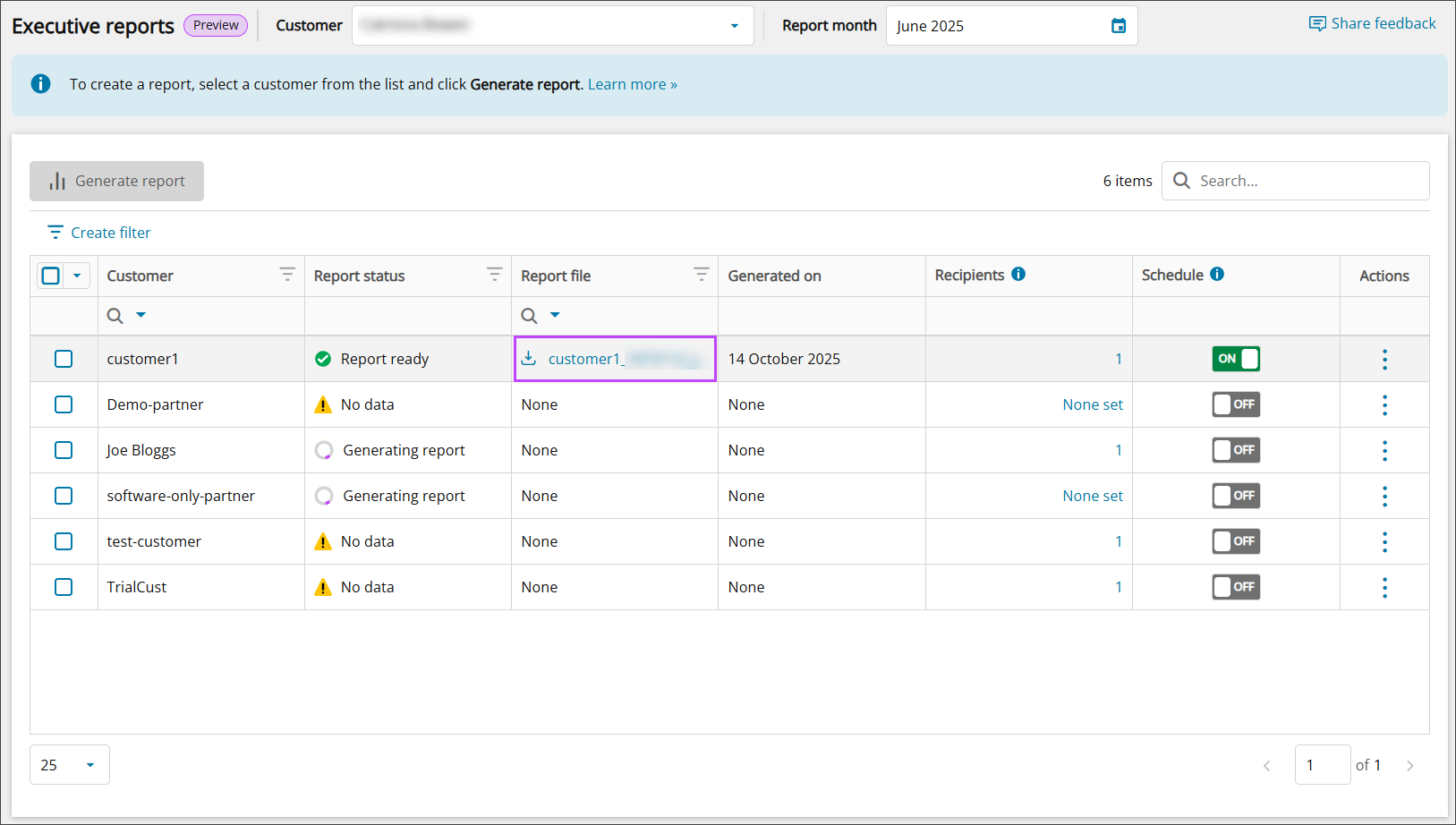
The generated report name will be in following format:
CustomerName_CustomerId_MonthName-Year_ESR.pdf