
View session details in the Assets view
About session details
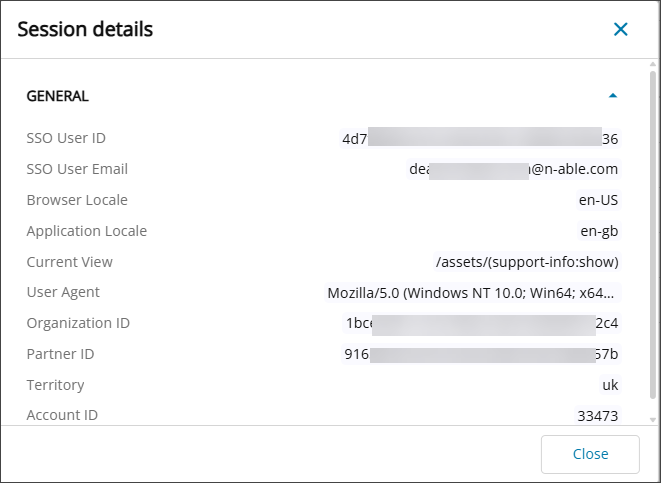
Session details provide technical data about your current user session in N-central. This information reflects your account and session context and can be shared with N-able Support to help diagnose issues more efficiently.
When working with Support, you can copy the session details and include them in a support case or message. This helps Support receive complete and relevant information.
Session details include diagnostic data such as identifiers, browser details, and localization data. N-able Support uses this information to investigate issues. You do not need to review or interpret these values before copying and sending them.
View session details
Follow these steps to view session information for your current session.
- Go to the Assets view.
- Select the View Options icon then choose View session details.

- Copy the session details and include them in your support case or message.
Related articles