
This article explains how to disable the Network Discovery Agent on DHCP servers to prevent port conflicts and ensure reliable DHCP performance.
When Network Discovery is enabled on a Windows device, it uses UDP port 68 to report data and run scans. This does not interfere with DHCP operations. However, if the Network Discovery Agent is designated as the network discoverer, it may use UDP port 67 during scans.
Because DHCP servers also use port 67 to communicate with clients (which use port 68), a conflict on port 67 can cause DHCP to fail. To avoid this, we recommend disabling Network Discovery on DHCP servers. This prevents the Network Discovery Agent from acting as a discoverer and interfering with DHCP traffic.
How to configure DHCP Sever Network Discovery settings
- All Devices view, locate and select the target
- Choose Edit server from the Server drop-down menu, or double-click the device row.
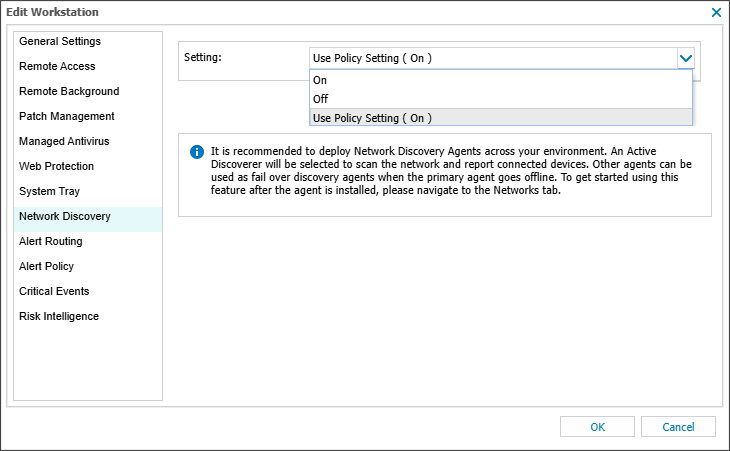
- In the Edit server dialog, select the Network Discovery tab.
- Change the Setting to Off.
- Select OK to save and apply.
Related articles