Partner Care Troubleshooting

How do I view my invoices and usage reports?
Last Modified
May 20, 2022
Description
You can view your invoices, payments made, and usage reports from the N-able Resource Center.
Environment
All N-able products.
Solution
Log in to the N-able Resource Center.
Go to My Account>Billing.
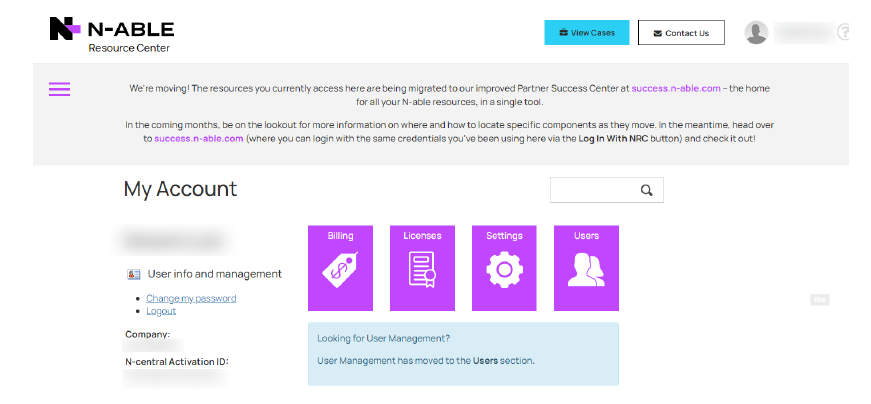
If you do not see a Billing icon  on the main screen, your account does not have Payment Portal Manager permissions, and will need to be granted from either a user with "Business Owner" permissions or you can log a ticket and a N-able Team member will help you out.
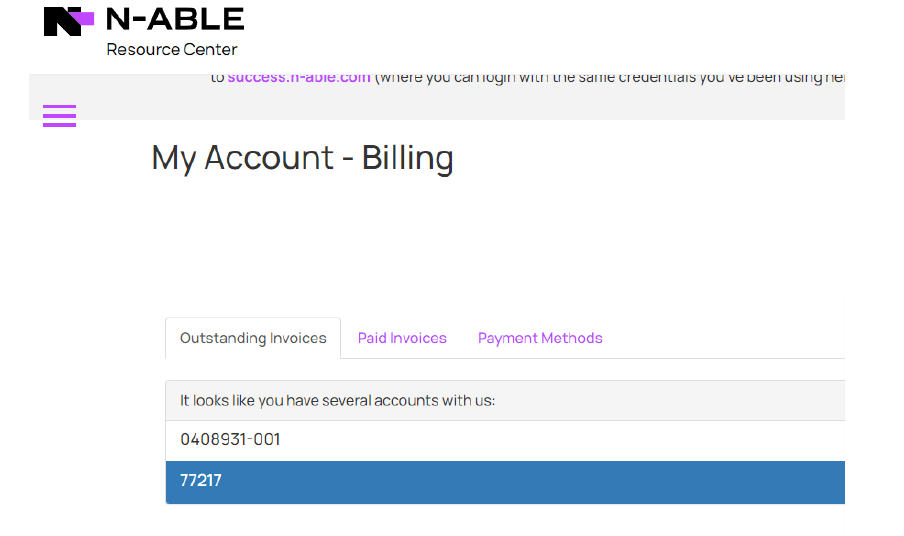
Select the Outstanding Invoices or Paid Invoices tab.
Select the 5-digit account number or N-central Account Number.
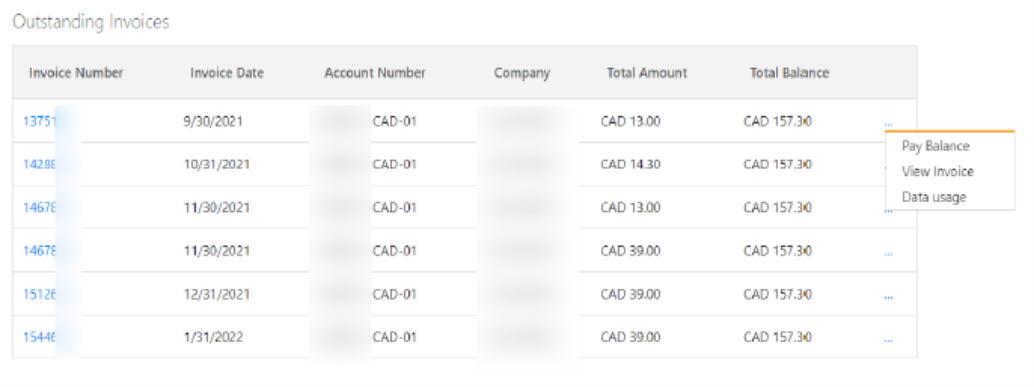
To view the usage report for an invoice, select the invoice, click ... on the right, and select Data Usage.
To view the usage report for an invoice, select the invoice, click ... on the right, and select View Invoice.
Topic:
- Billing