
In Cove Data Protection (Cove)'s Management Console custom profiles can be edited and deleted.
Profiles can also be removed from a device if they are no longer required.
Edit Profiles
- Log in to the Management Console under a SuperUser or Administrator account
- Select Profiles from the vertical menu on the left-hand side of the page
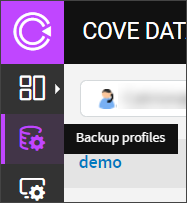
- Choose the Customer the profile belongs to from the dropdown
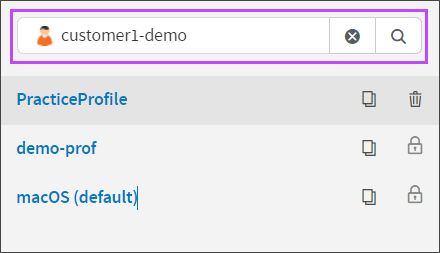
- Click on the Profile name to edit or click the three dots to open the Action menu and select Edit Profile
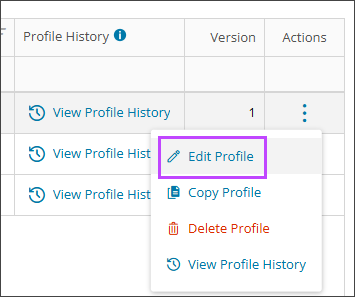
- Make any required changes to the profile settings in the panel to the right
- Save the changes at the bottom of the page
Delete Profile
Only those profiles that are not assigned to any devices can be deleted.
- Log in to the Management Console under a SuperUser or Administrator account
- Select Profiles from the vertical menu
- Find the profile you wish to delete
- click the three dots to open the Action menu and select Delete Profile
- Confirm you wish to delete the profile by clicking Remove
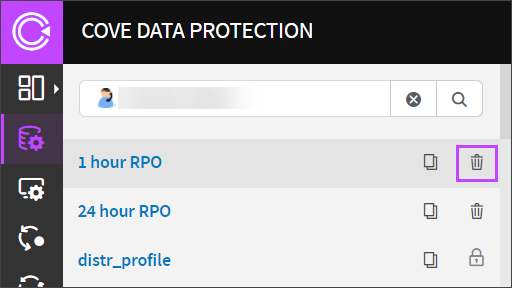
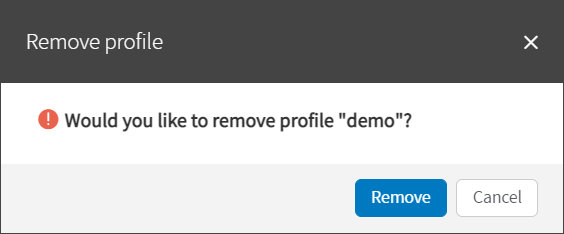
Profiles that have been deleted cannot be restored. If you need a profile that has been deleted, you must recreate it manually.
Remove Profile
It is possible to remove a profile from a device if it is no longer required on that machine. You can remove the profile in one of two ways.
From the toolbar
- In the Management Console's Devices Dashboard, select the device(s) to remove the profile from
- Click Assign Profile on the toolbar

- Select No Profile from the dropdown
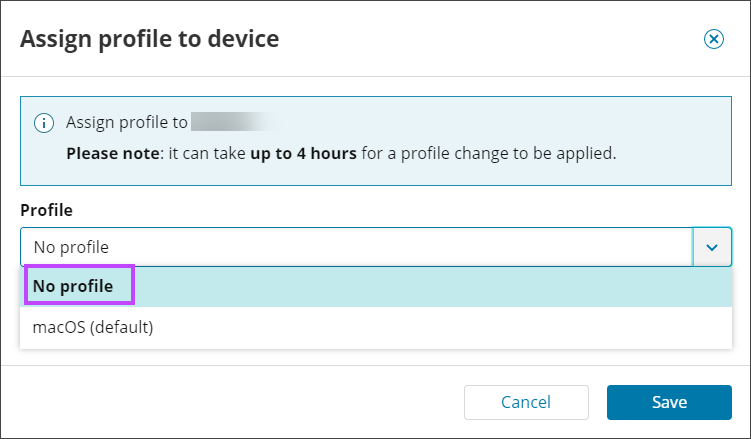
- Click Save
From Device properties
- In the Management Console's Devices Dashboard, click the device name to open the Device Properties
- Navigate to the Settings tab
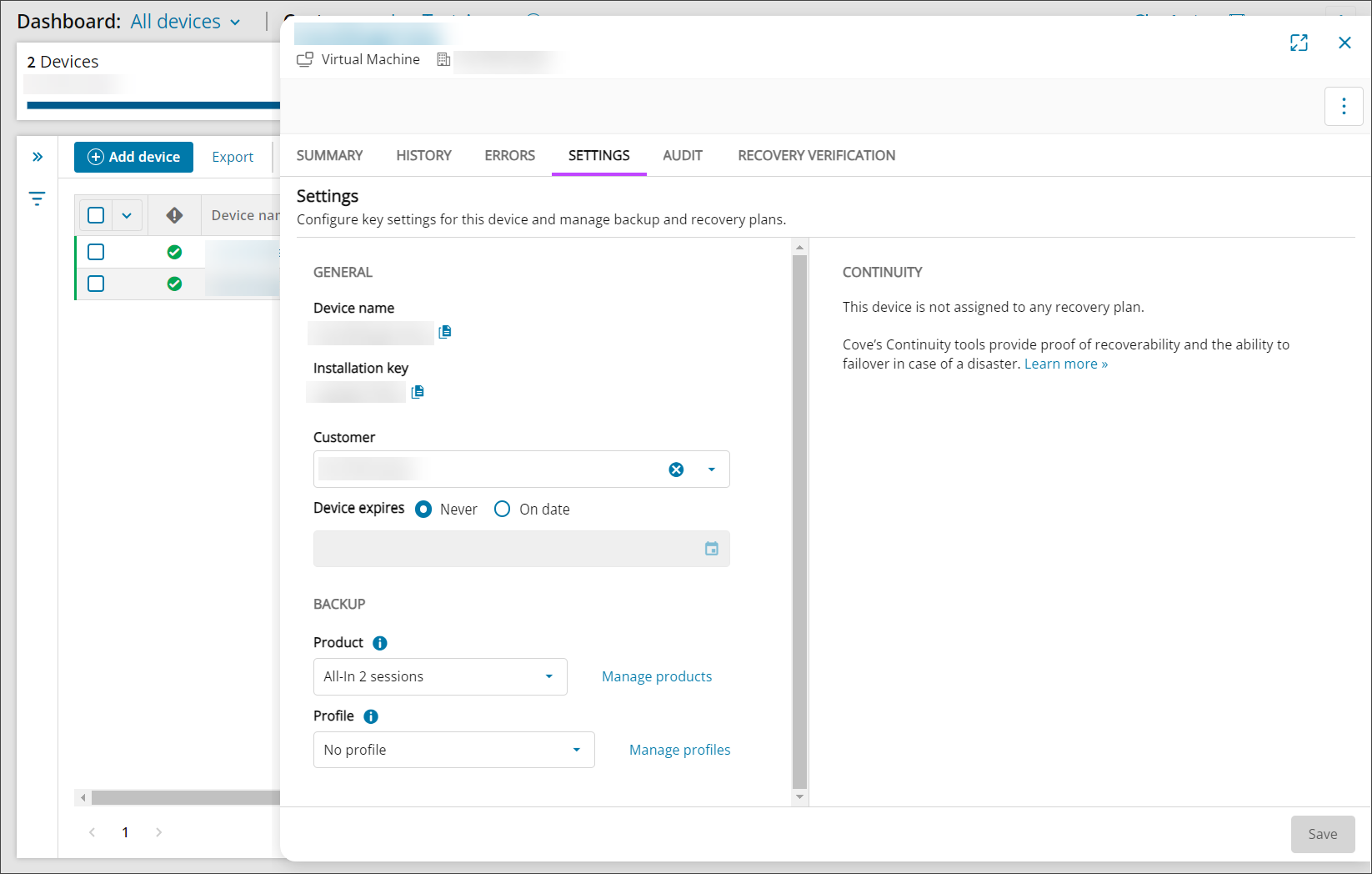
- Scroll to the Backup section and select No Profile from the Profile dropdown
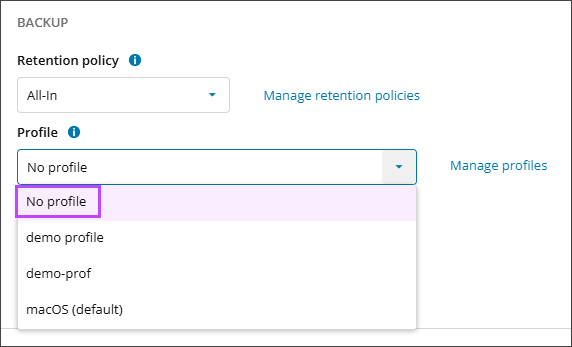
- Click Save