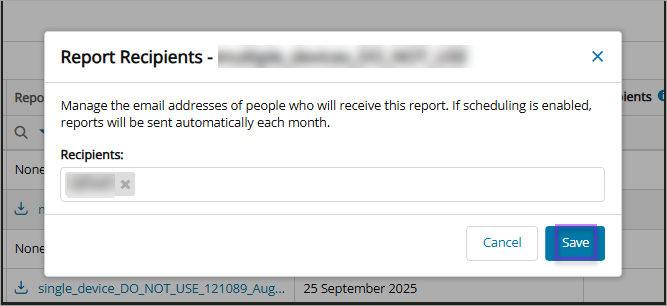
The Executive Summary Report (ESR) recipients can be amended once generation has completed, they must be added to the recipients list.
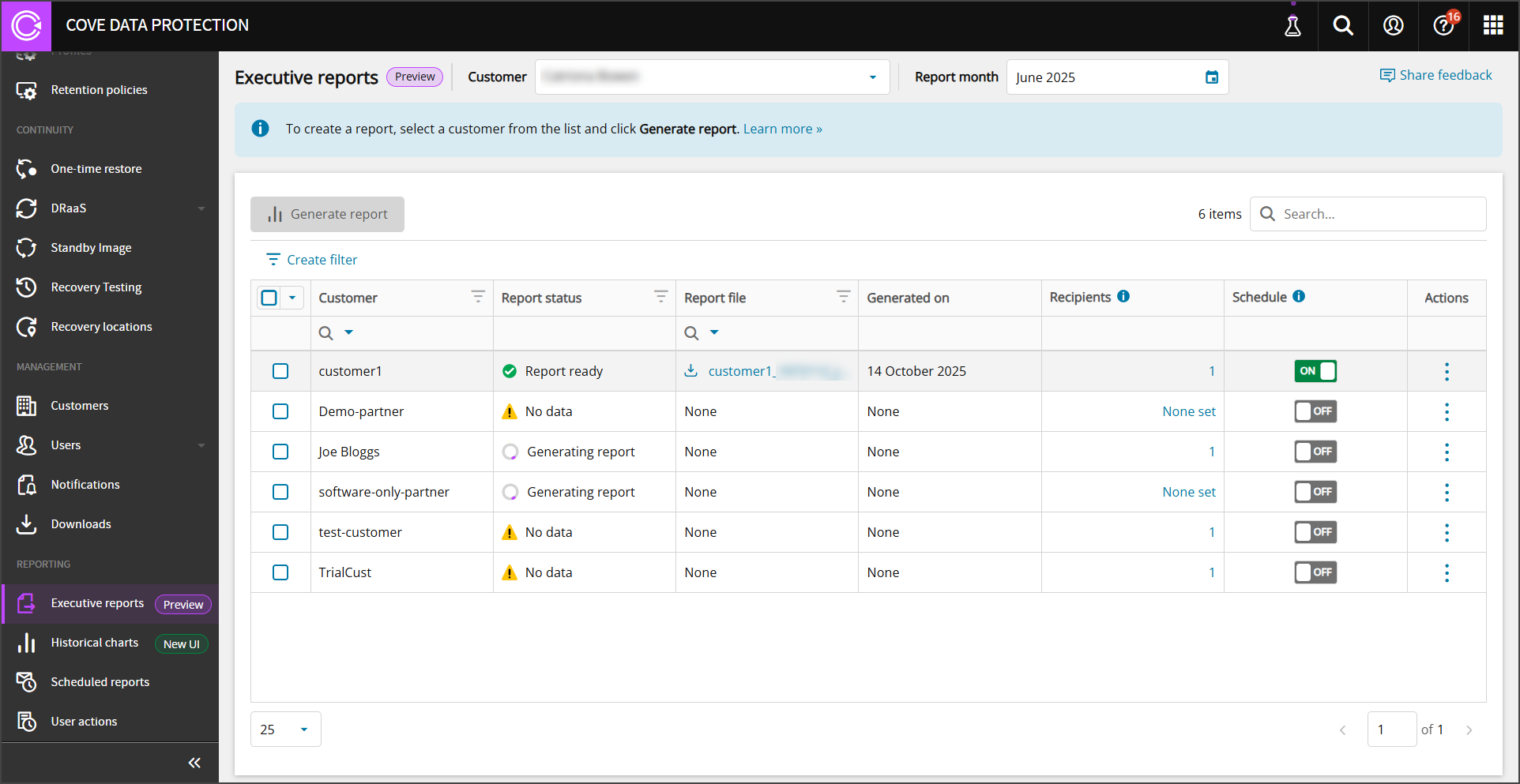
Executive Summary Report recipients can be managed by SuperUser level users only.
Add or Edit Recipients
- Sign in to the Management Console using a SuperUser account
- Navigate to Reporting > Executive reports (Preview) in the vertical menu
- Find the Customer form whom you wish to add a report recipient
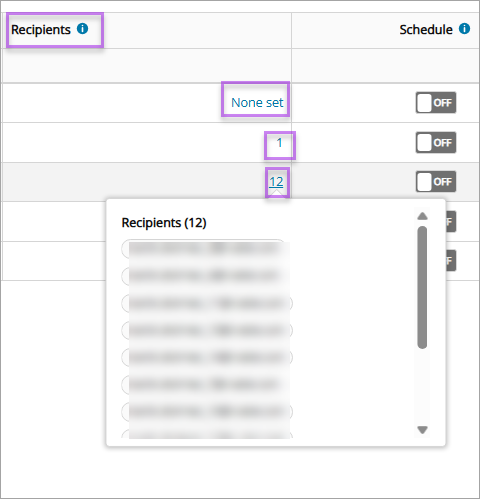
- If no recipients are set in the Recipients column, click None set to add. If recipients already exist and you wish to edit this list, click the number of recipients to edit the list
- Enter the email addresses of the Recipients to receive the report
- Select Save