
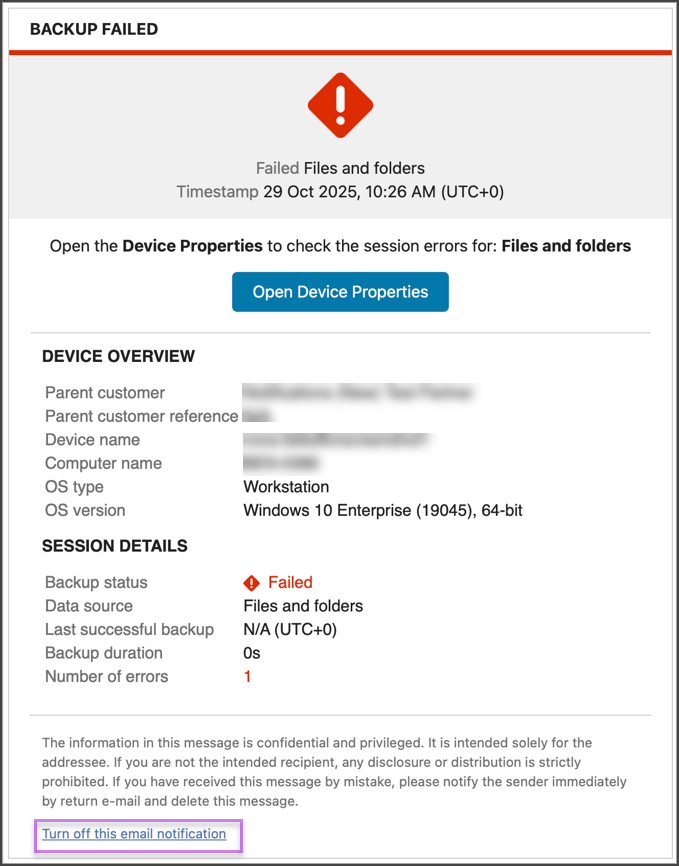
It is possible to unsubscribe from an notification by using the Turn off this email notification option in the email:
- Open the Notification email received
- Scroll to the bottom
- Click Turn off this email notification
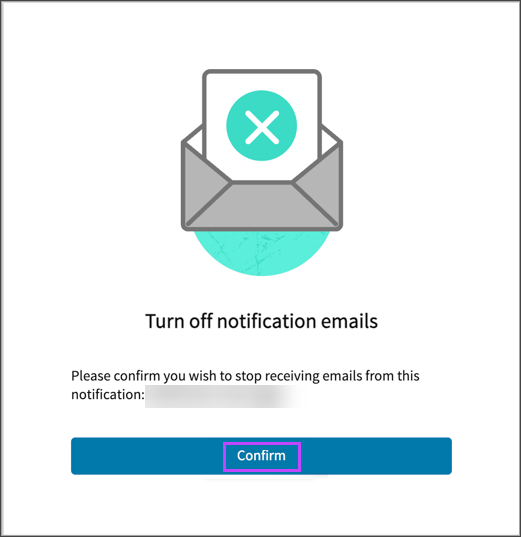
- Click Confirm to unsubscribe from the notification
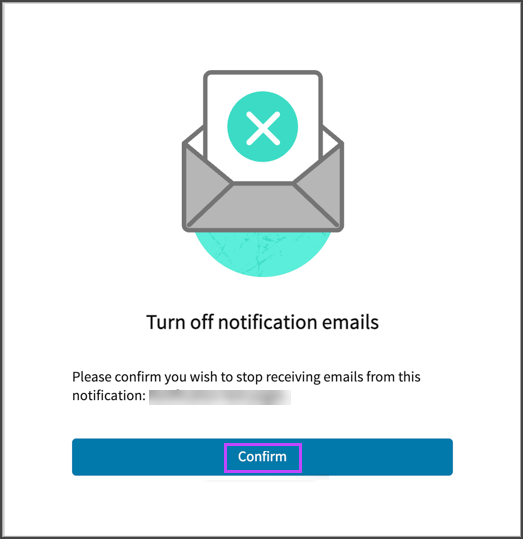
A message will confirm that unsubscribing has been successful:
You can view unsubscribed recipients on the Notifications page for a specific notification configuration. The unsubscribed recipients are displayed with an orange background, while the subscribed recipients have blue background.
Notifications with Only Unsubscribed Recipients
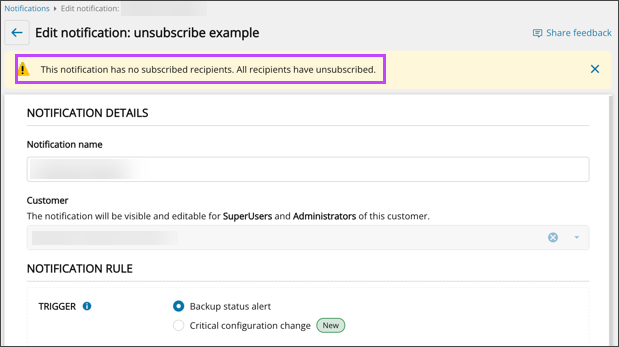
If there are Notifications with only unsubscribed recipients, a warning message is displayed at the top of the page.

A warning message is also displayed during edit of a Notification configuration where all of the recipients have unsubscribed.
Resubscribe Recipients
To re-subscribe an unsubscribed recipient:
- Edit the Notification
- Delete the recipient from the recipients list
- Save the changes
- Add the recipient back to the recipients list
- Save the changes and close
Reviewed: CB
17/03/2026