Data restored will be from the latest successful backup of the User/Drive selected. It is not possible to select the Backup session to restore from.
To restore Google Workspace data:
- Sign in to the Management Console using a SuperUser or Manager account with Security Officer permissions
- Find the domain to restore in the list of devices and tenants
- Click the tenant name to open the tenant properties
- Navigate to the Restore tab
- Select the User/Drive(s) to restore per data source/service
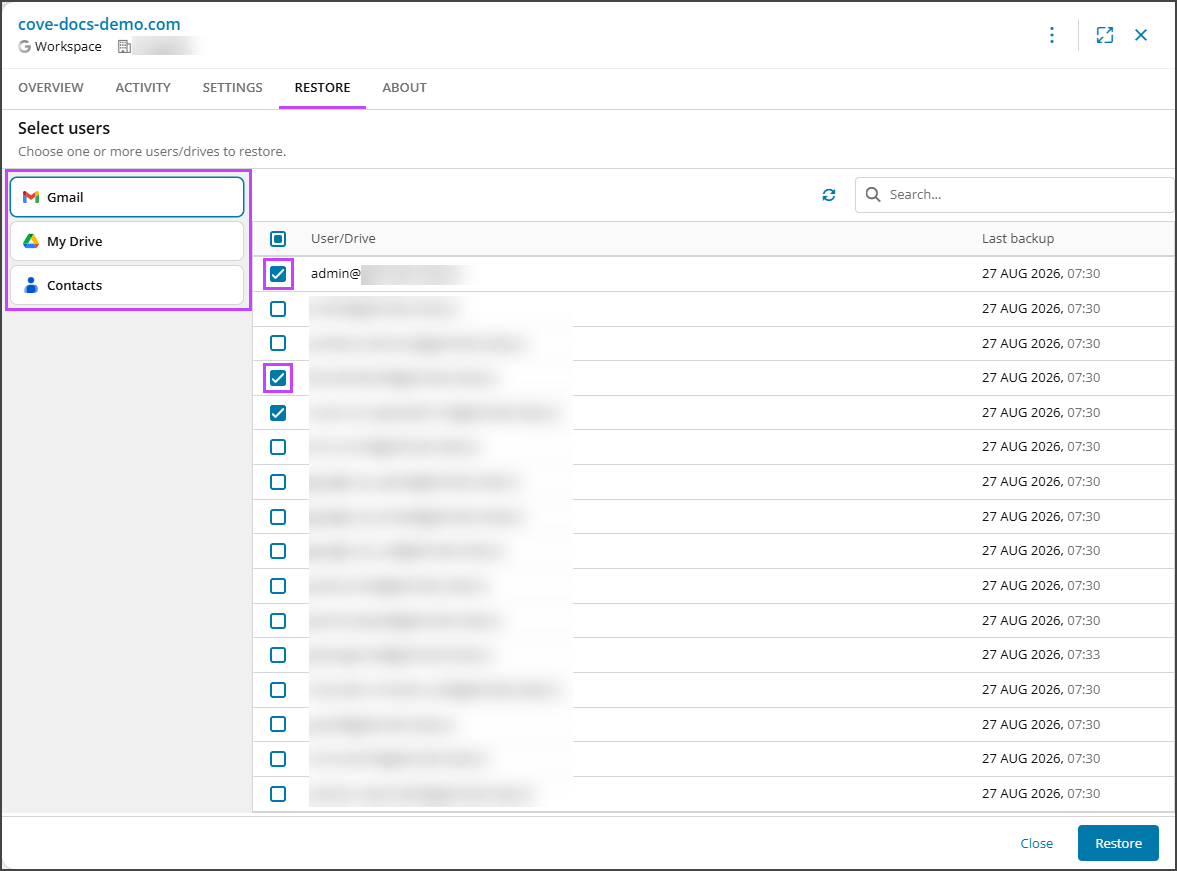
Selections are kept when switching between data sources so you may select multiple users/drives across Gmail, My Drive and Contacts per restore.
- Click Restore
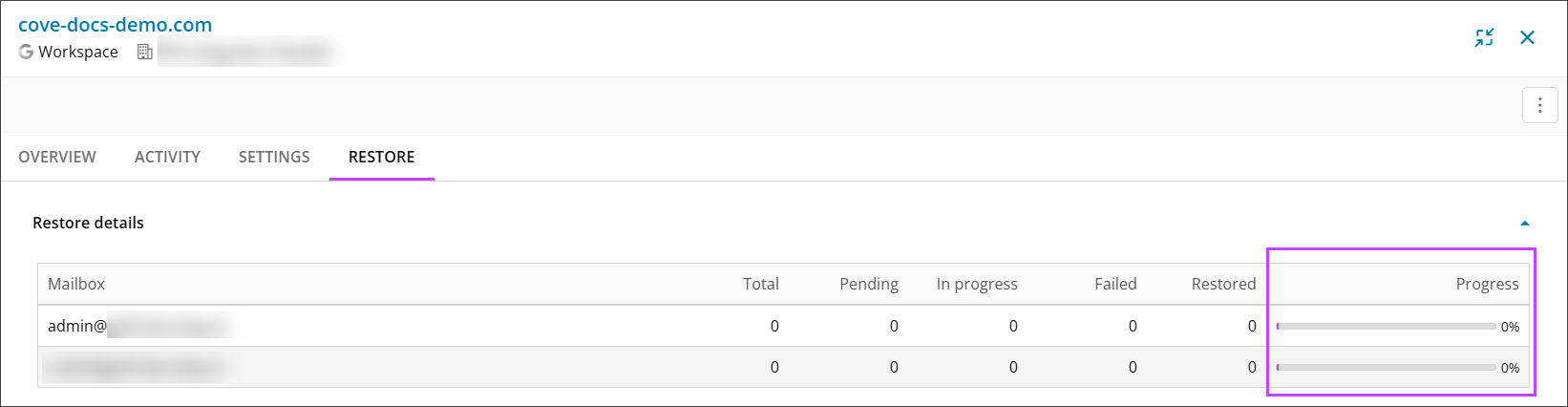
- The restore will begin immediately and you will see a progress bar to show how far through recovery is of each mailbox