
On the Cove Data Protection (Cove) Integrations Dashboard, you can manage your existing Autotask connection to make changes to mapping, configuration and ticket settings.
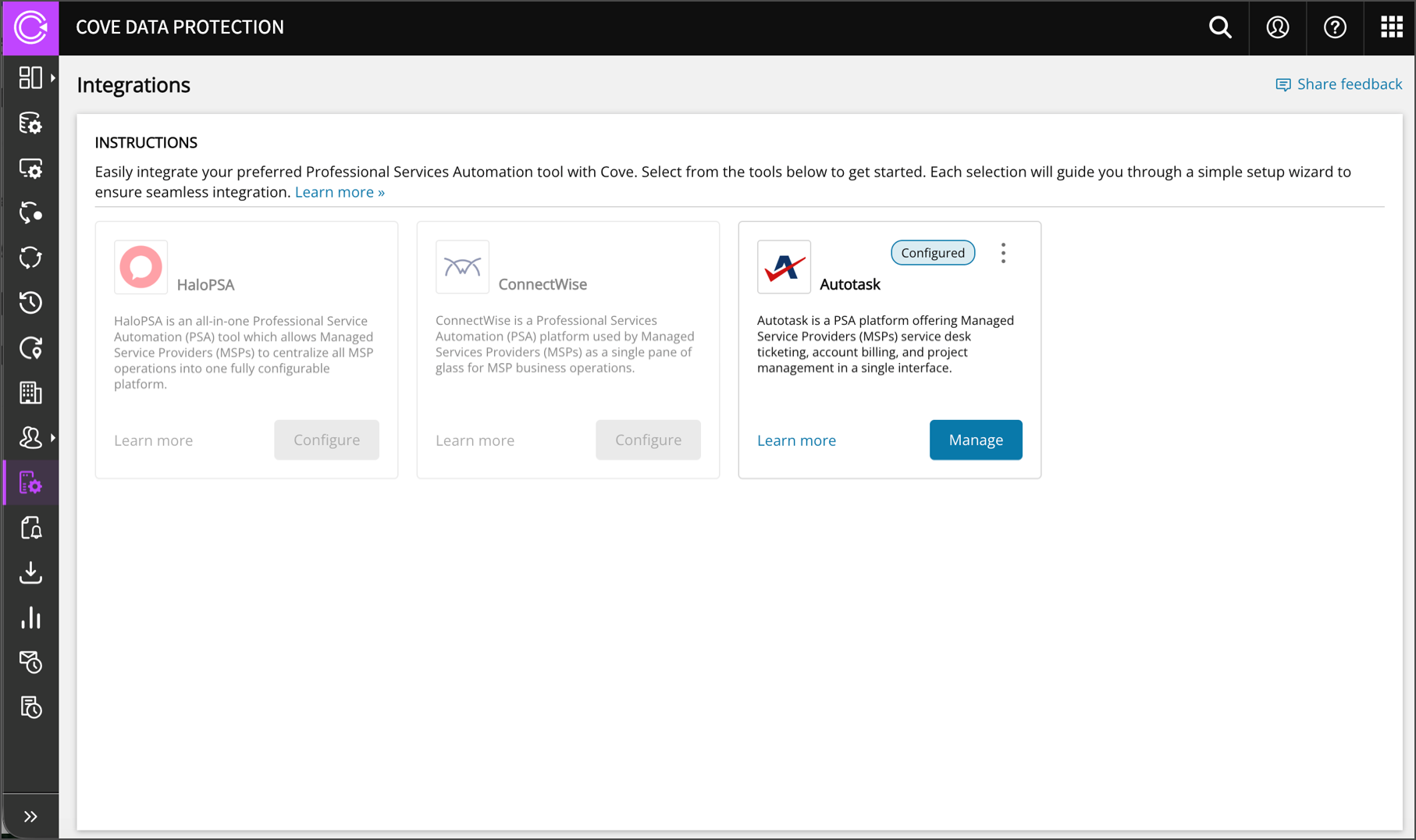
PSA Integration's can be managed and maintained by Reseller customers only.
To do this:
- Log in to the Management Console under a SuperUser or Administrator account.
- Select Manage on the Autotask tile.
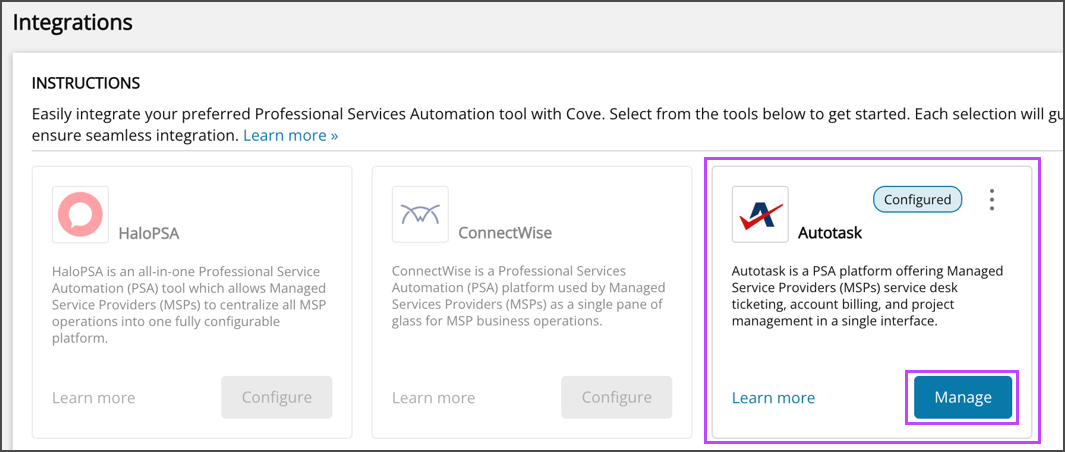
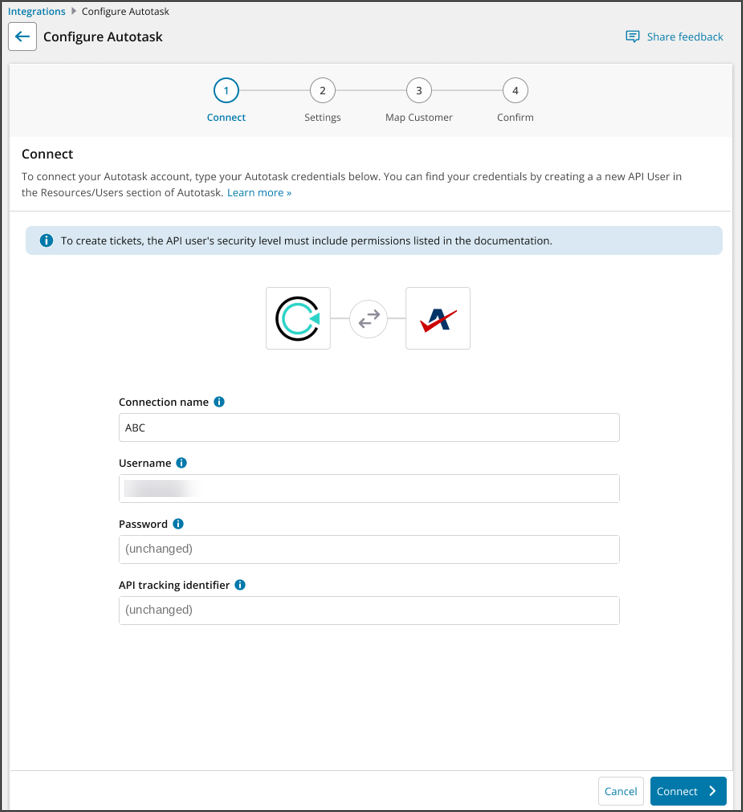
- The Configure Autotask wizard opens. If no changes are made to the connection details, click Connect.
- Click Next to review the ticket settings. Previously selected values are pre-populated.
Where a previously selected value no longer exists or is no longer active in Autotask, it is flagged and must be re-selected before you can continue.
- Select Validate. The sample ticket permission check runs again, as it does during initial setup.
- Now click Next to change the mapping of customers. Saved mappings are pre-populated. Change the method for customer mapping by clicking Select method:
- Auto-Map - match Cove customers to PSA customer by name similarity. Matches above 90% are marked Match, the rest are marked No Match. You can match the remaining ones based on suggested matches.
This action does not replace existing mapping.
- Apply to all - Map every Cove customer to one PSA customer using the dropdown list provided. Edit individual rows afterward if needed.
This action does replace existing mapping.
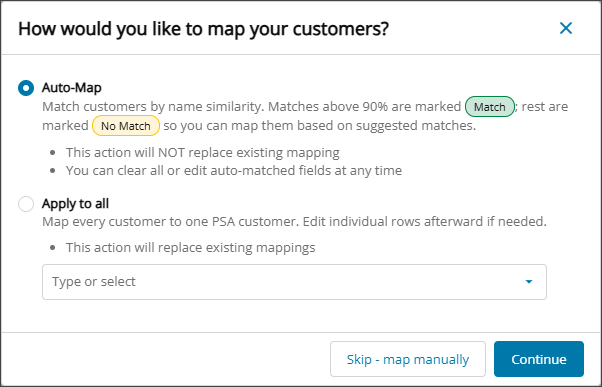
- Auto-Map - match Cove customers to PSA customer by name similarity. Matches above 90% are marked Match, the rest are marked No Match. You can match the remaining ones based on suggested matches.
- Click Continue to map customers as selected or Skip - map manually to map each Cove customer to a PSA customer manually.
- Select Next.
- Review the connection details and customer mappings, then click Confirm.
- Once complete, a success message confirms configuration updated. Proceed to Notifications, to update settings applied to tickets created after the change.
Changing the username to a different Autotask account is not permitted. Existing configuration will remain as it was prior to opening the wizard.
Once the connection has been successful, a confirmation message appears to advise the credentials have been validated.

Deleting an Autotask integration is not available via the Management Console. Please contact N-able support for assistance removing an integration.
 Related Topics