
If you no longer need a custom policy, it can be removed:
- Log in to the Management Console under a SuperUser or Administrator account
- Navigate to Backup > Retention Policies in the left-hand vertical menu
- Find the policy you wish to delete and either:
- Click the three vertical dots to open the Action menu
- Select Delete retention policy
- Select Delete from the top bar
Or
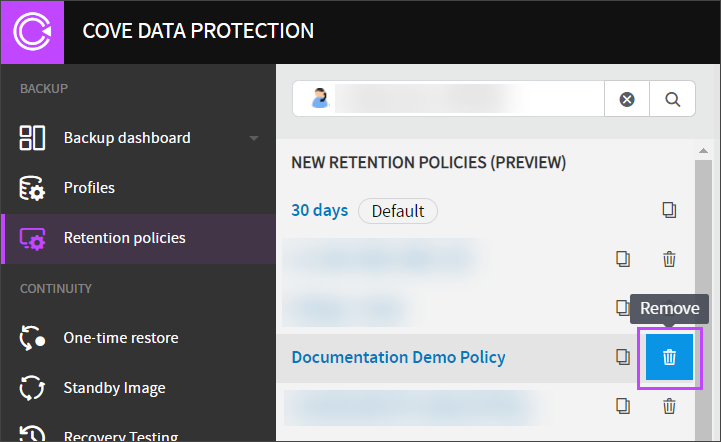
- Confirm deletion of the policy
If the Delete option is missing, and the policy displays a padlock, this means the retention policy has been created by a user at a higher level than yourself. Policies can only be deleted by the user level it was created at or higher.