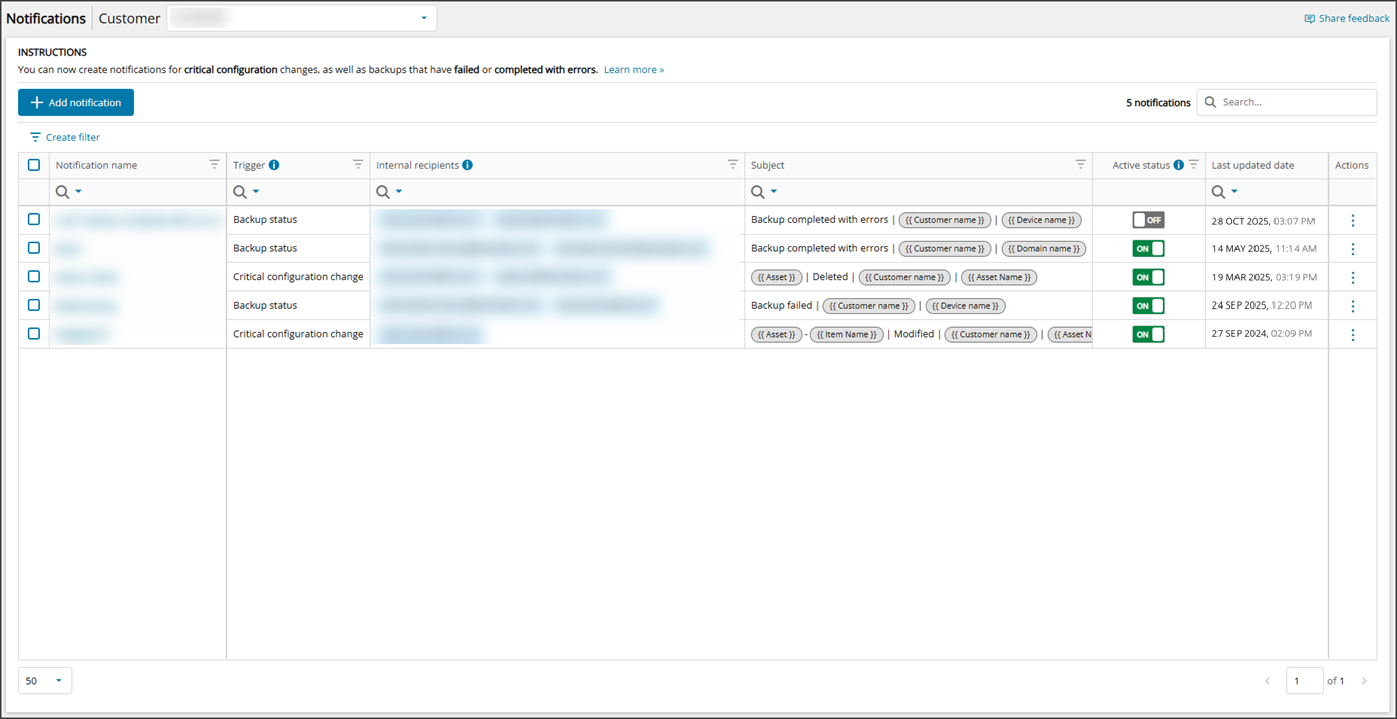
To see a preview of existing Notifications, login to Cove Data Protection (Cove)'s Management Console and navigate to Management > Notifications.
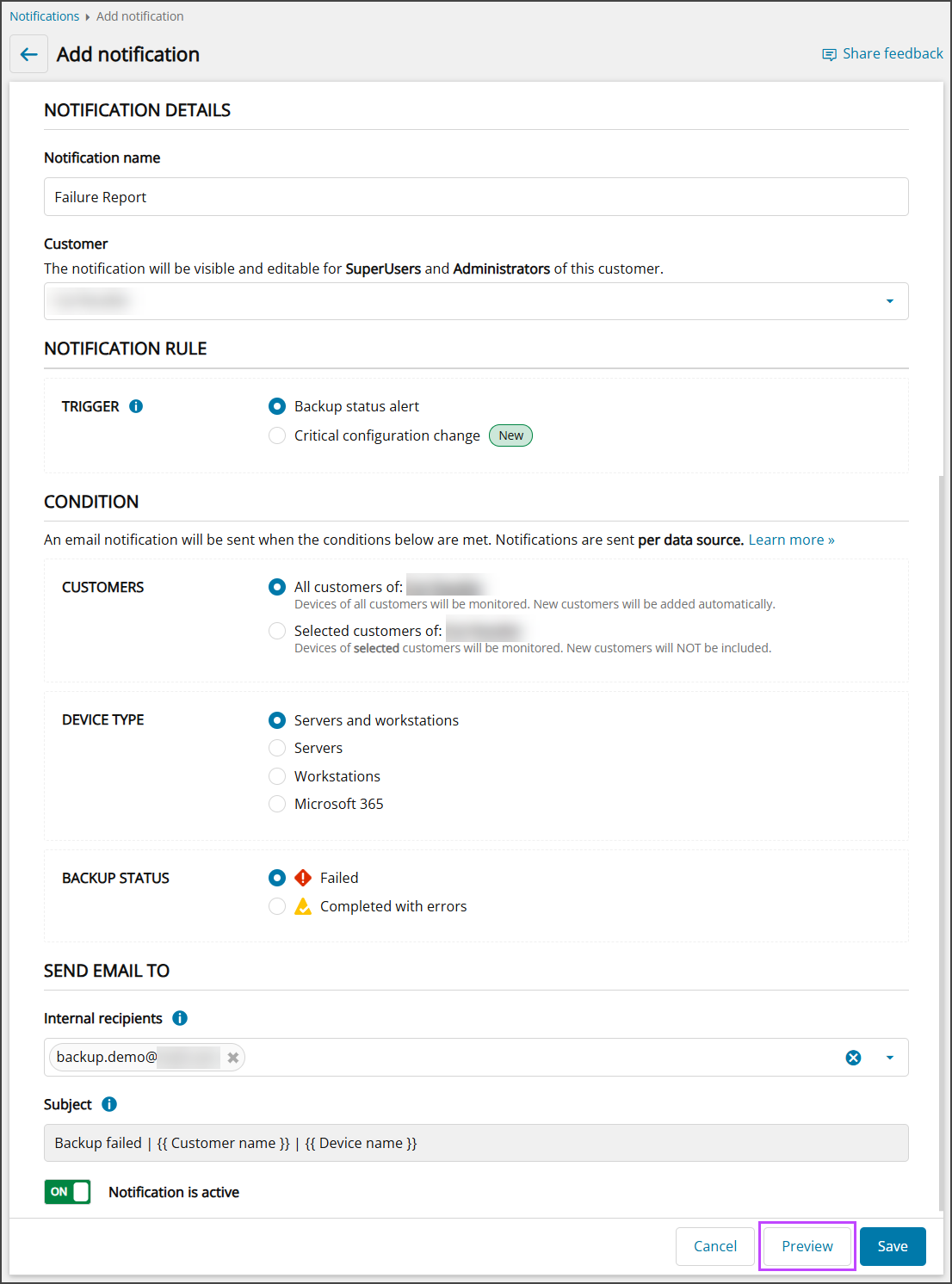
It is possible to view a preview of the email or ticket that will be received when the conditions are met from either the Add Notification window, and the Edit Notification window.
This can be done by clicking the Preview button at the bottom of the Add or Edit window:
Example Previews
The preview will display depending on the type of Notification configuration.
Backup Status Alert
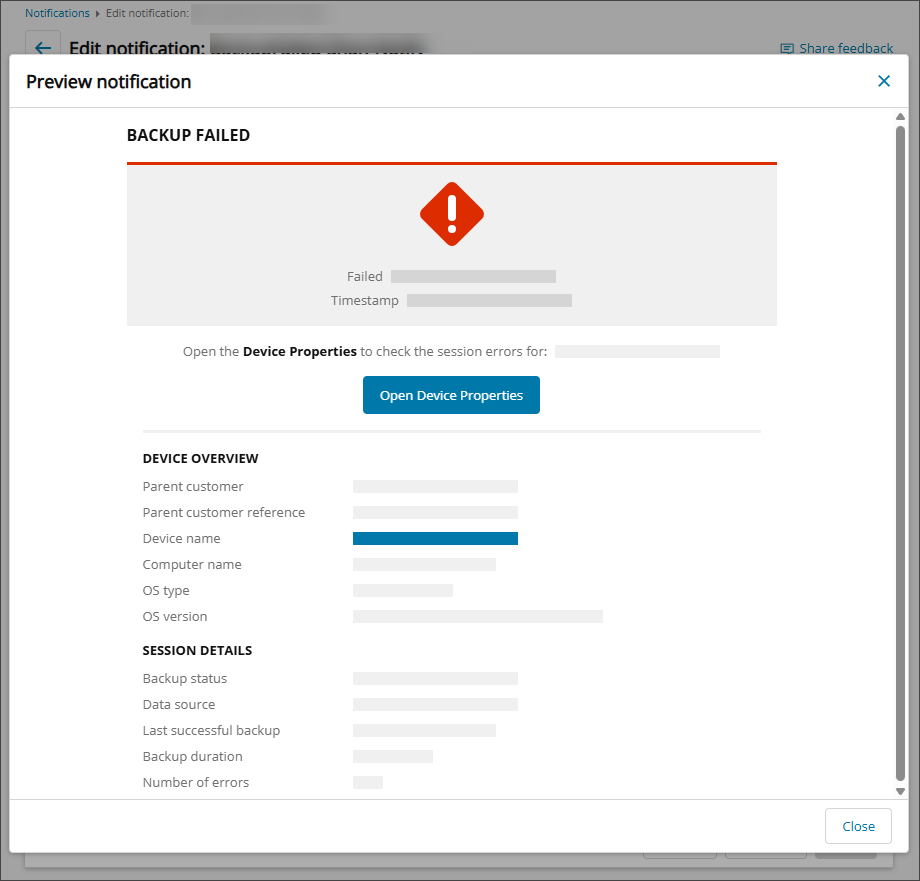
The preview for a backup with the status of Failed looks as follows:
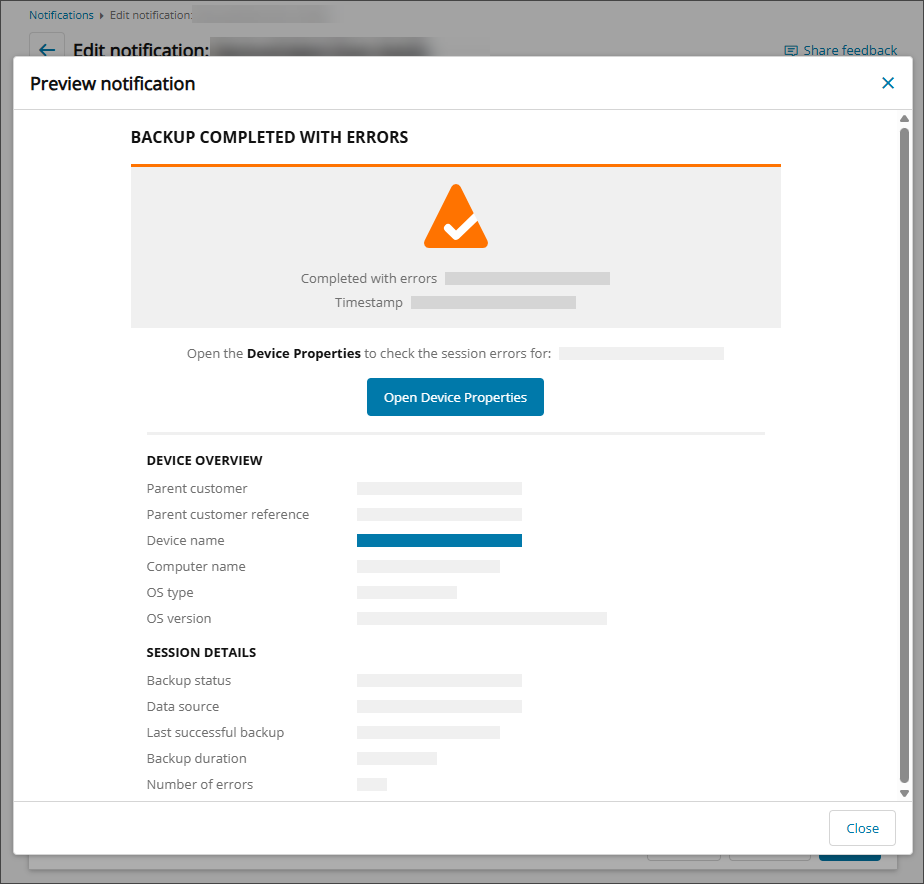
The preview for a backup with the status of Completed with Errors looks as follows:
Critical Configuration Changes
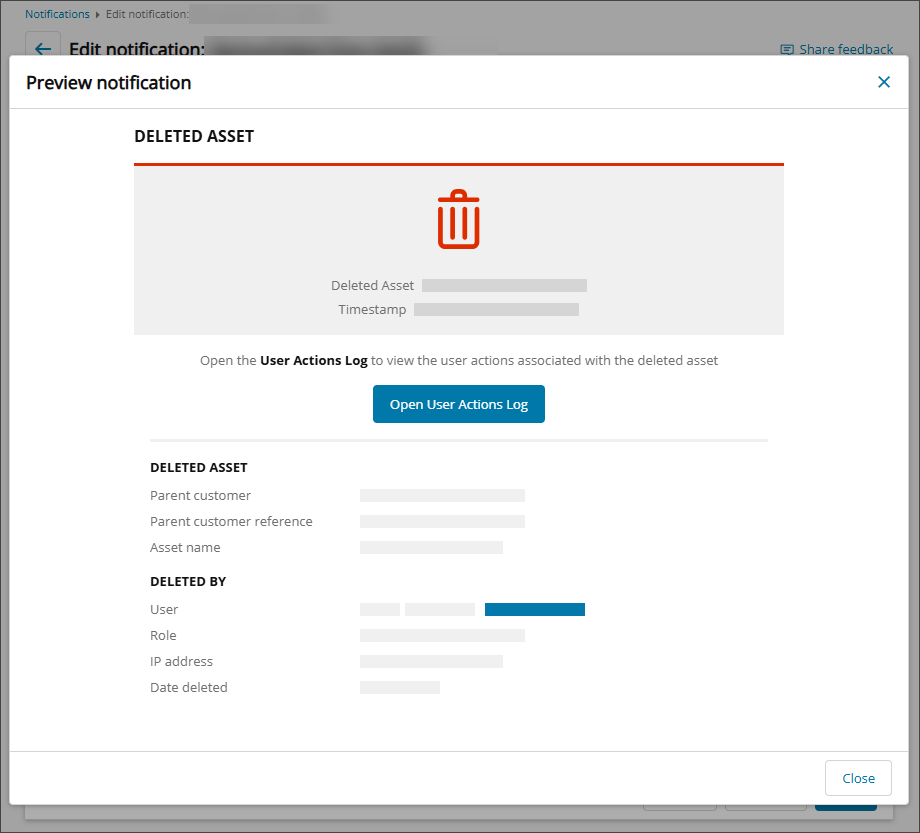
The preview for a Critical Configuration Change with a Delete trigger looks as follows:
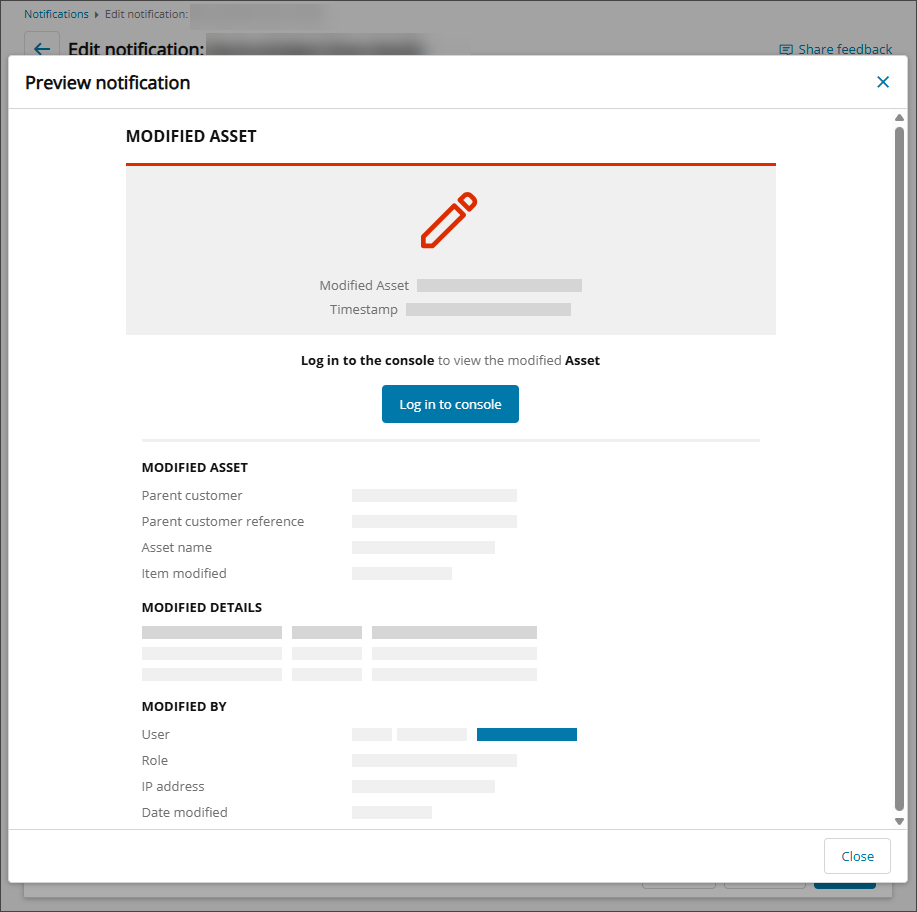
The preview for a Critical Configuration Change with a Modify trigger looks as follows: