
RHEL 6 and CentOS 6 systems cannot be recovered using session-specific rescue images from the Restore tab. Only recovery using the Linux Rescue Media (downloaded from Management Console Downloads) is supported.
The following is the standard recovery instructions with the following RHEL/CentOS 6-specific requirement:
- Boot the target system from Linux Rescue Media.
- At the GRUB menu, select Recover or Automatic Recover
- Enter '
e' to edit boot options. - Enable vsyscall emulation by appending
vsyscall=emulateto the kernel boot options.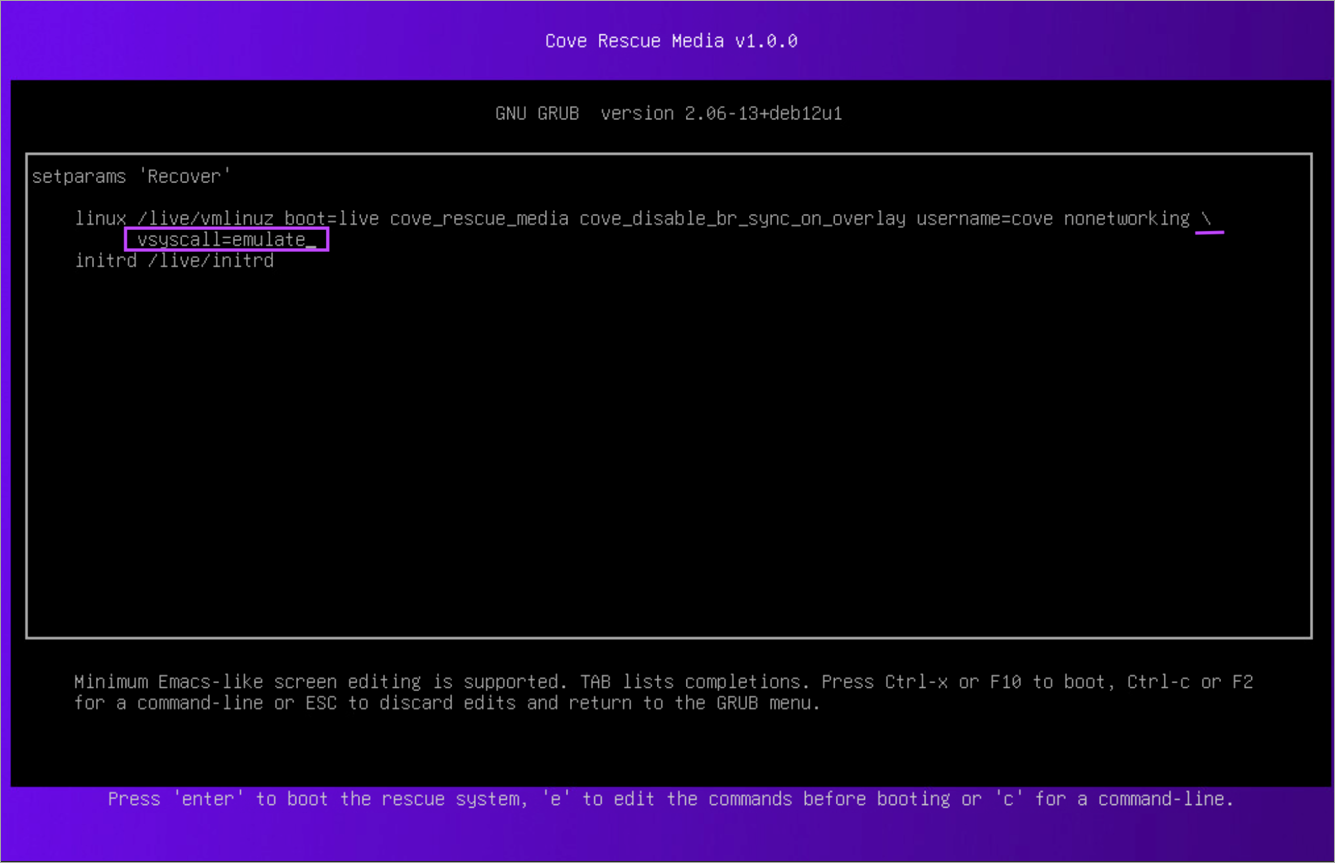
- Enter
Ctrl+XorF10to boot. - Proceed with the standard recovery process in Cove.