
Update your profile
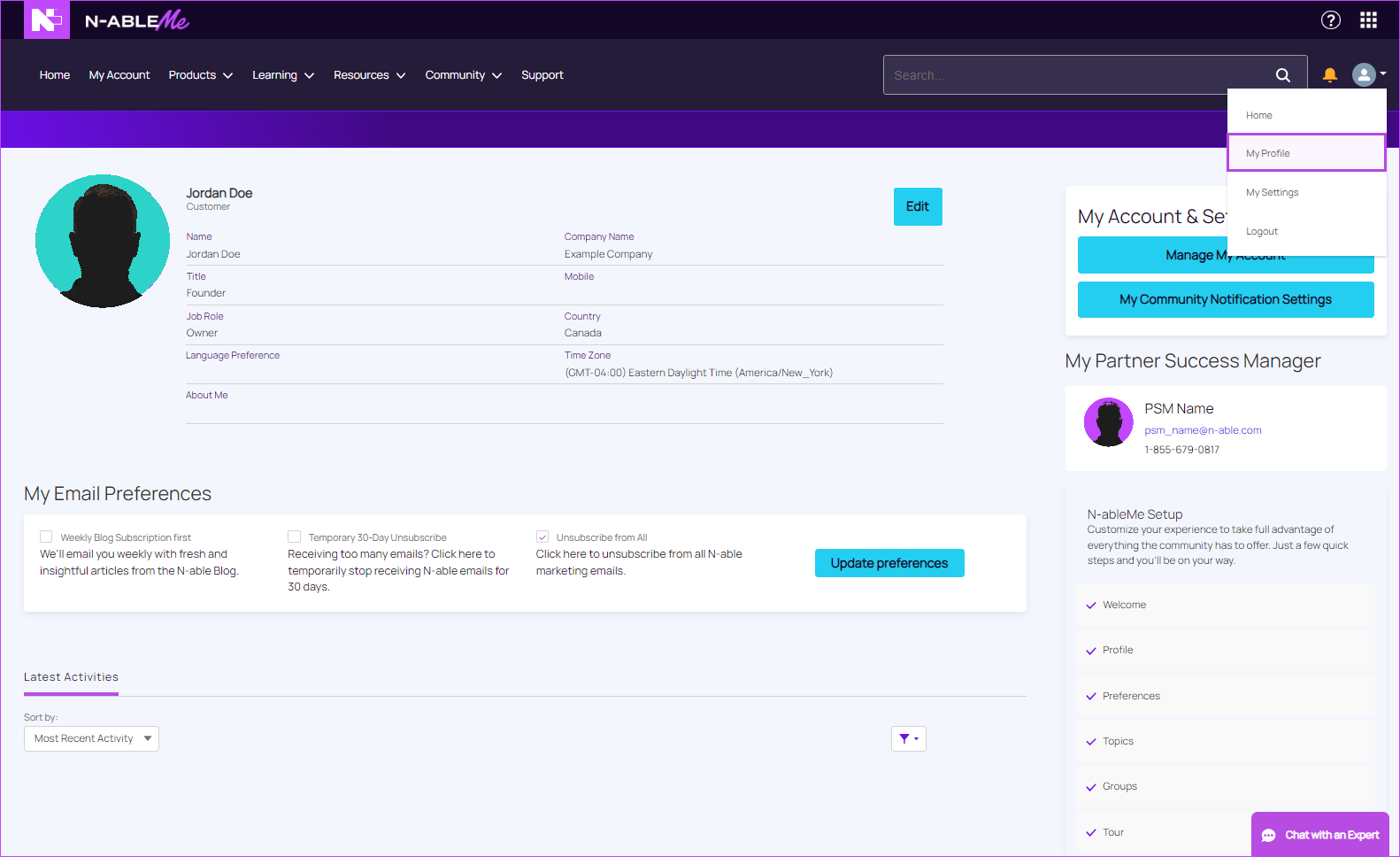
From your profile, you can update your photo and information, email preferences, notification settings, access your accounts and services, and view your latest activities, influence, badges, and group memberships.
Open your profile
-
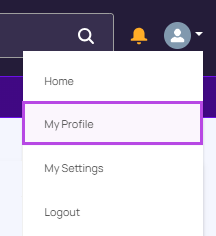
Click the drop-down arrow to the right of your notifications icon and then click My Profile.
Update your profile information
-
Click the Edit button and change your profile information.

-
Do any of the following:
- To enable billing, click the Billing check box.
- To send a password reset email, click Send Password Reset Email.
-
Click Save.
Select your email preferences
-
Select the email preferences you want to apply and click Update preferences.
View your latest activities:
-
From the Sort By menu, select Latest Posts or Most Recent Activity.
-
From the filter menu, select one of the following options:
-
Select All Answers
-
Unaswered Questions
-
Questions with No Best Answer
-
Questions with Best Answers.
-